
People trust a kennel they feel they know. The About page is your chance to introduce yourself.
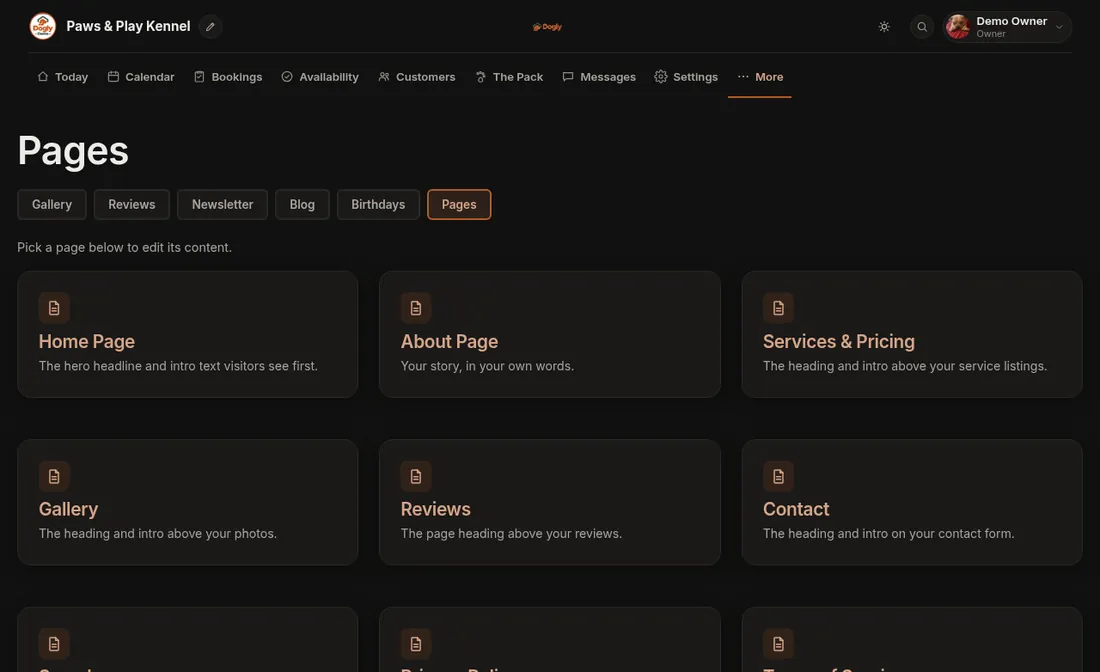
- Click More, then Pages, then About Page.
- Type in the editor. The toolbar has bold, italic, links and pictures.
- Press Save About Page. A message says About page saved.
What to include
- Who you are and how long you have cared for dogs.
- A typical day for a guest: walks, meals, play and rest.
- Your cancellation and refund policy, so there are no surprises later.
The editor has a link to your public About page so you can check how it looks.
Related: Editing your pages.