
Your home page headline is the first thing visitors read. Make it sound like you.
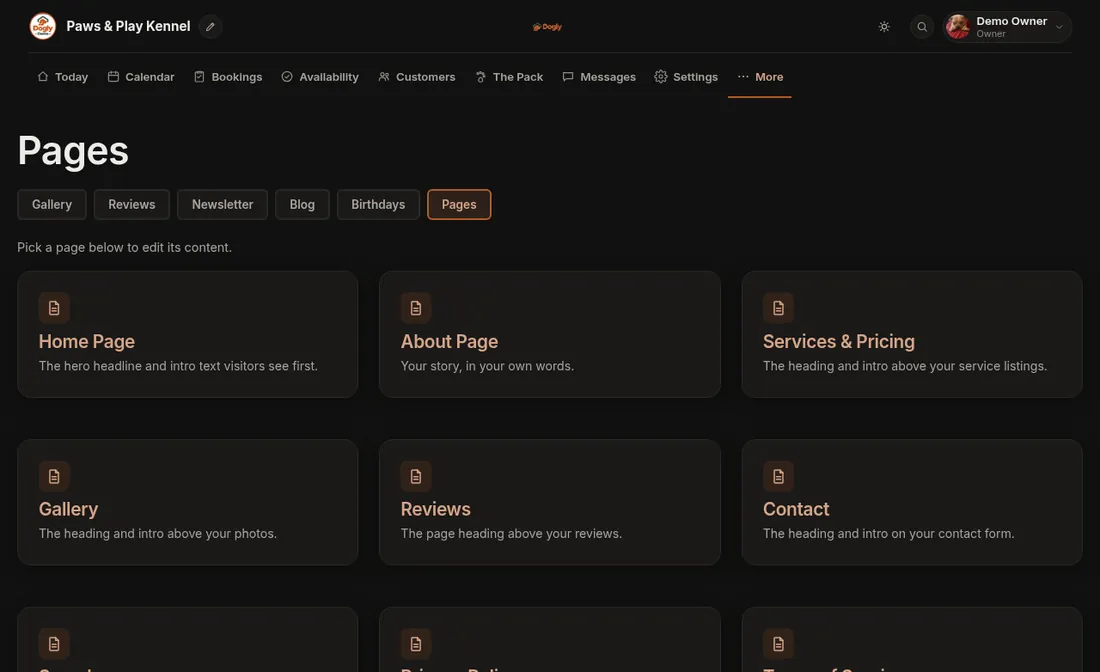
- Click More, then Pages, then Home Page.
- Under Hero Section, change the small line above the headline (Eyebrow), the Headline and the Subtext.
- Under Sections on your home page, tick the sections you want to show. The number beside each one sets the order, with 1 first, directly under the hero.
- Optional: under Welcome section, write a few paragraphs in Welcome text. Use the toolbar above the box for bold, links, bullet lists, headings and photos. Leave it empty to show nothing.
- Press Save. A message says Home page saved.
Good to know
- The sections are Services and prices, Photo gallery strip, Reviews, Latest blog posts and Newsletter sign-up. The gallery and blog sections are off until you tick them, and only appear once you have photos or posts.
- Changes are live as soon as you save.
Related: Editing your pages, Put a notice at the top of my site.