
Closed for Christmas? Fully booked for a long weekend? An announcement bar puts a one-line message across the top of every page so nobody misses it.
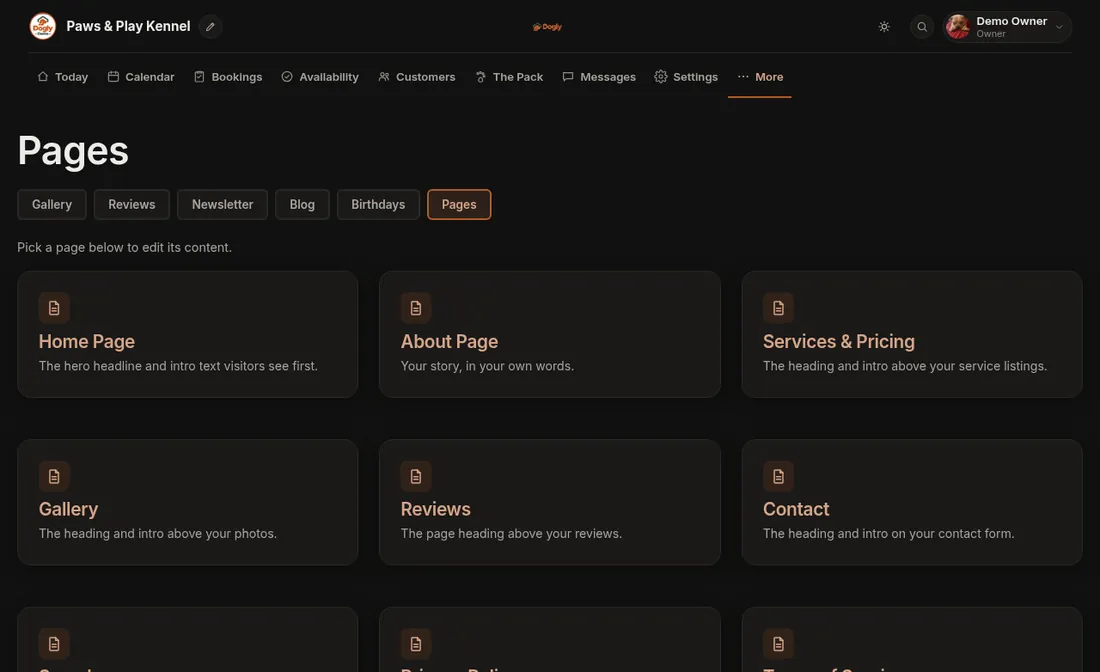
- Click More, then Pages, then Home Page.
- Scroll to Announcement bar.
- Type your Message, for example "Closed December 25 and 26. Book early for the holidays!" It can be up to 200 characters.
- If you want a button-like link, add Link text (such as "Book now") and a Link address (such as
/book). - Set Show from and Show until so the bar appears and disappears on its own.
- Press Save.
Good to know
- The dates are optional. Without them the bar stays until you clear the message.
- To remove the bar, empty the Message box and save.
Related: Close a day, Change the words on my home page.