
Jump to
Help and contact
Dogly is dog kennel management software. It gives your boarding, daycare or grooming business a modern booking website on your own domain, a dashboard your staff will use every day, and payments that land straight in your own Stripe or Square account. No white-labeling fee. No "powered by" footer on your public site.
$75 CAD/month, everything included. 30-day free trial, no card required. See pricing
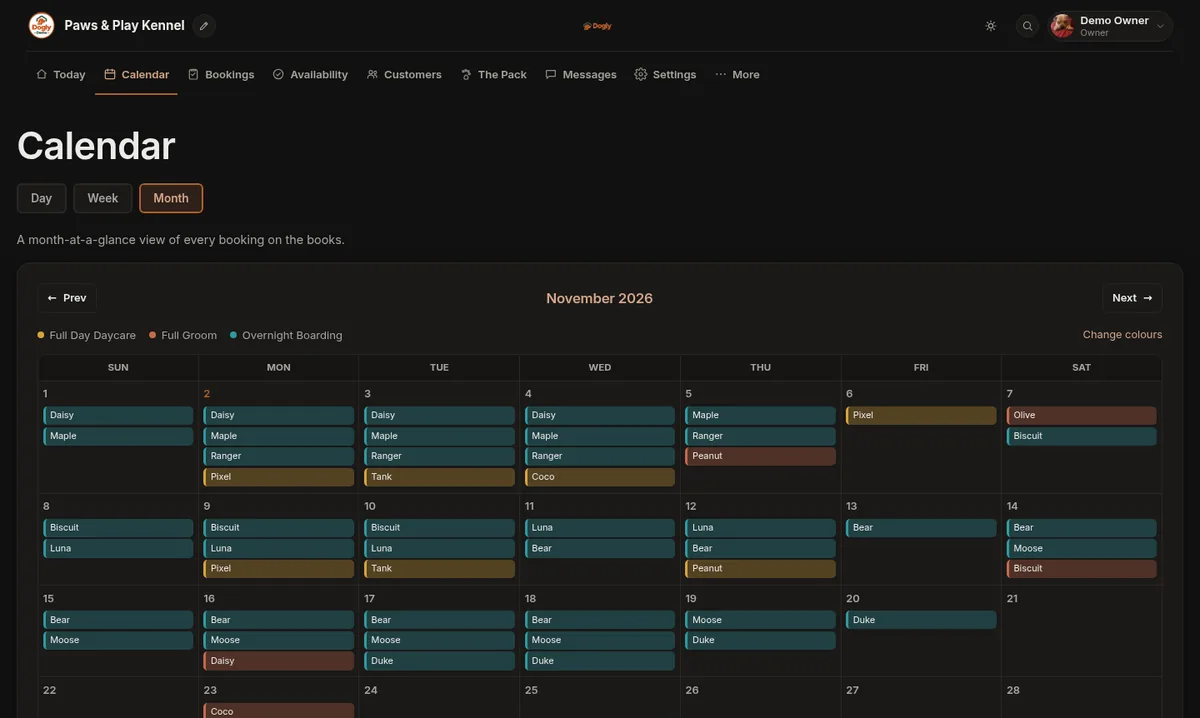
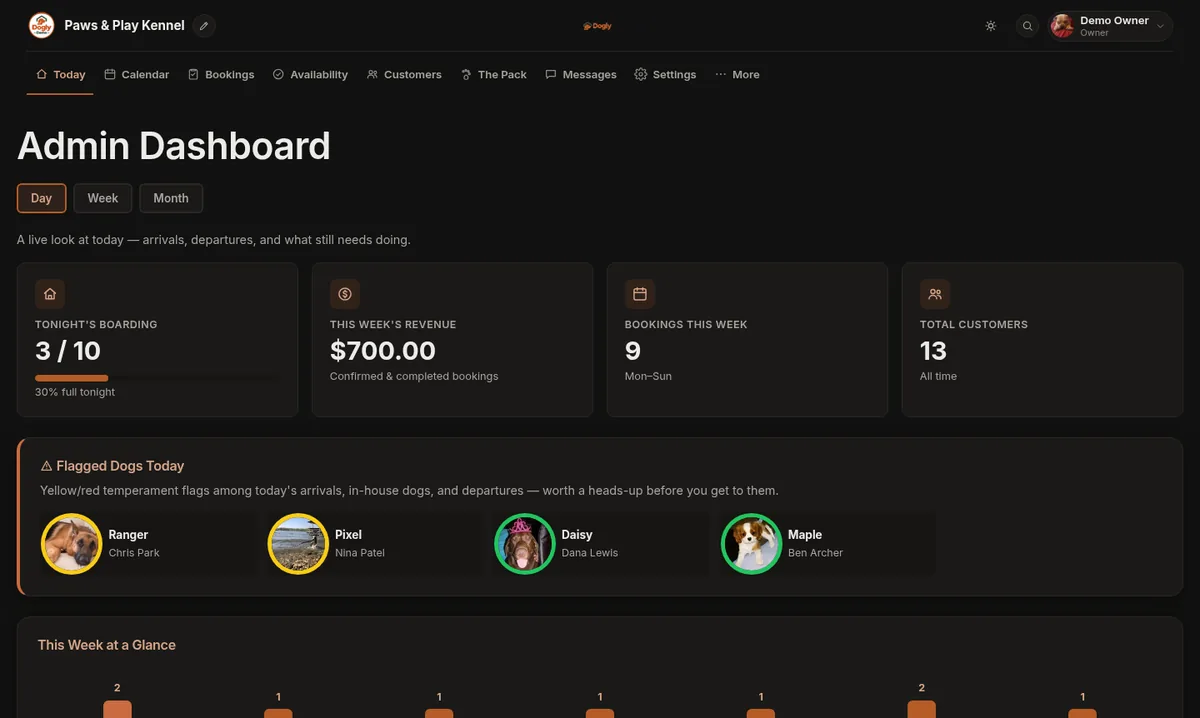
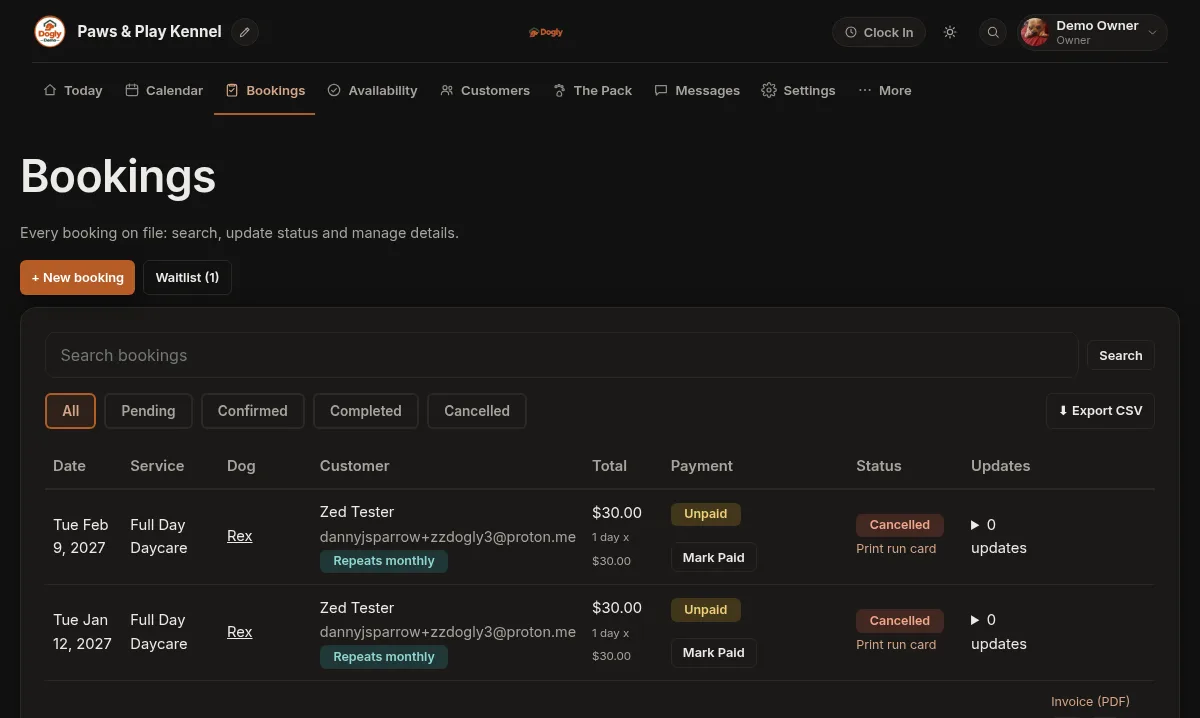
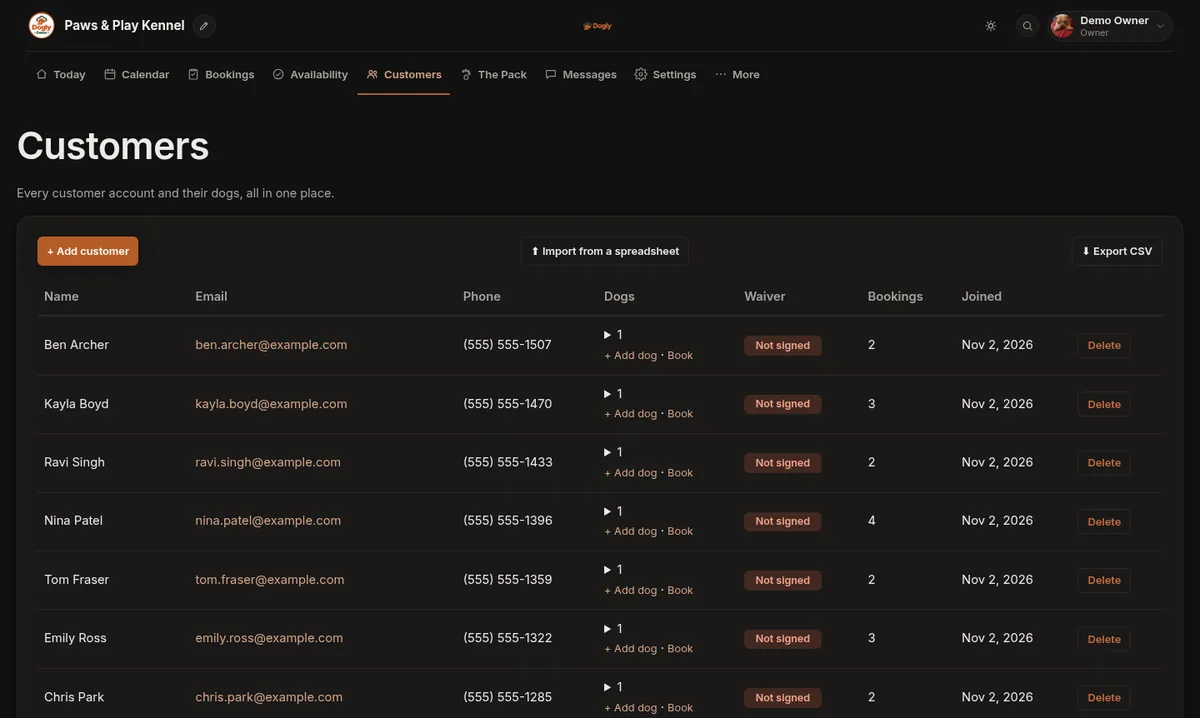
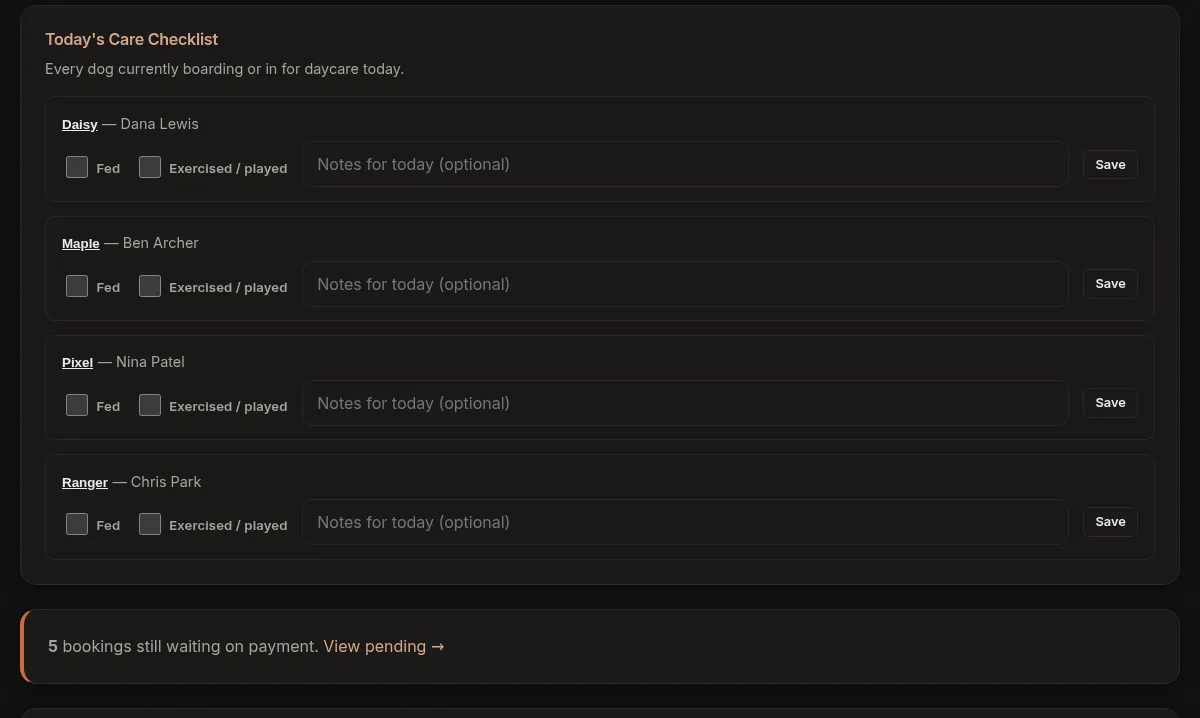
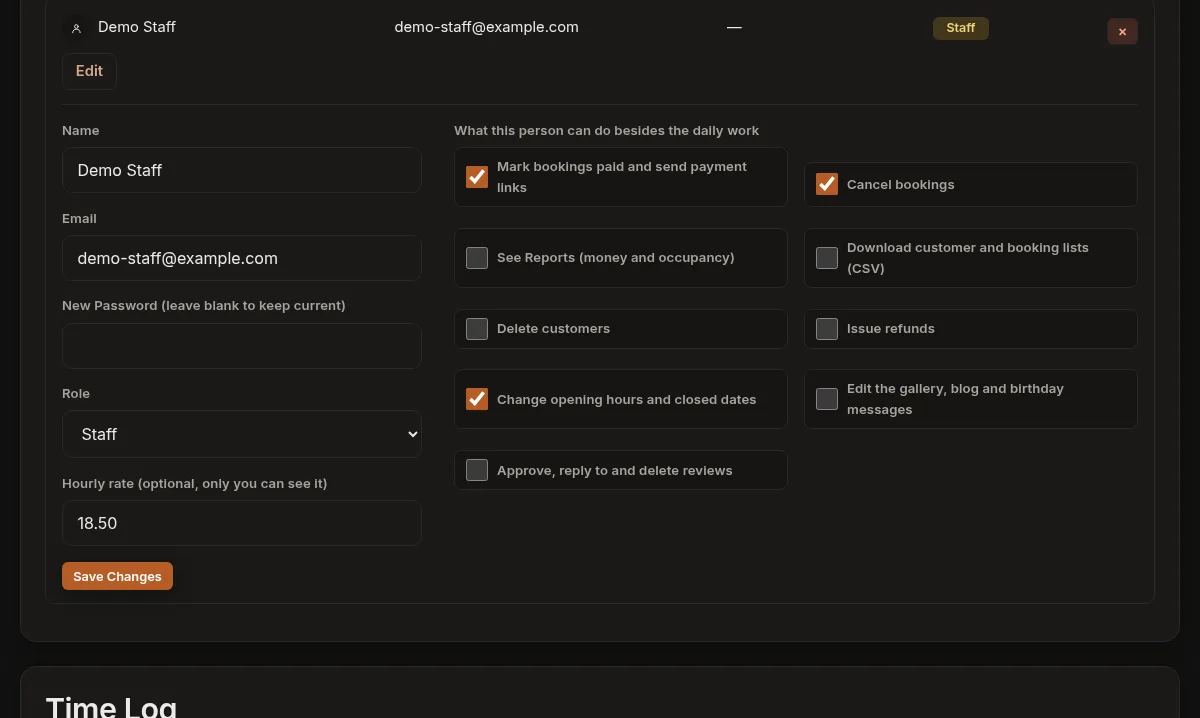
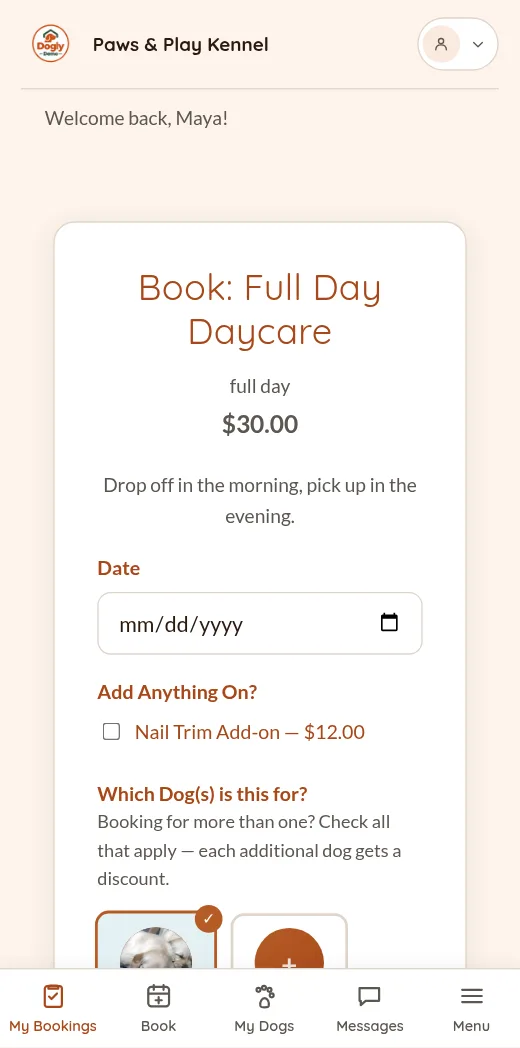
You do not need to be a rocket scientist to run Dogly. If you can use a phone, you can run your kennel on it.
Booking, payments, deposits, packages, waitlists, texting, reminders and reports, plus your own website, in one system.
Your account is ready the moment you sign up, with sample dogs and customers to click around in. Every screen has a short guide behind it, and if you get stuck, one of our developers answers.
One flat price covers all of it. The comparison further down shows how that stacks up.
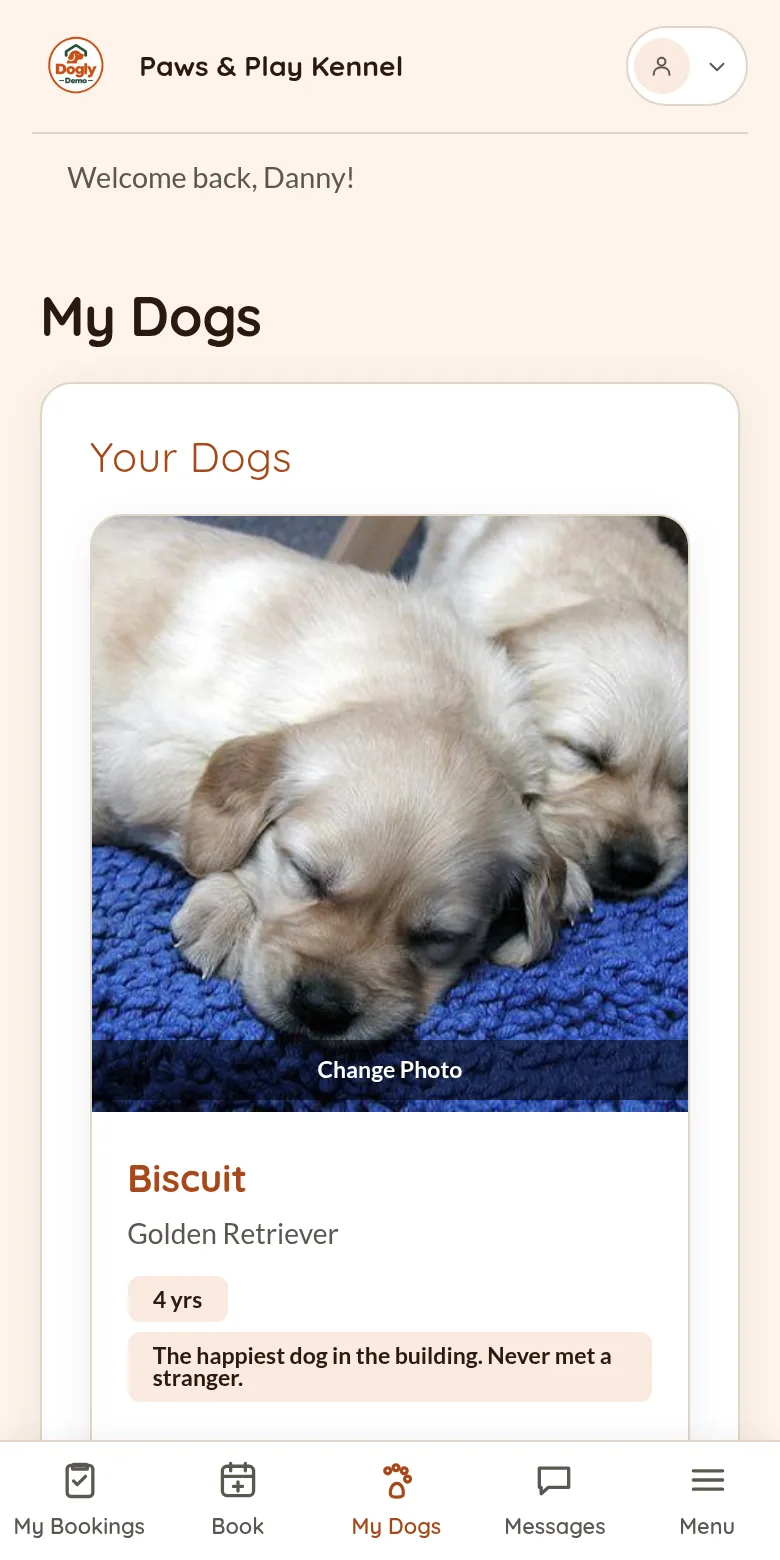
Every dog in your care, across every customer, at a glance. Colour flags show which dogs need a heads-up, and one tap opens the whole profile: vaccinations, temperament, feeding, medication and your private staff notes.
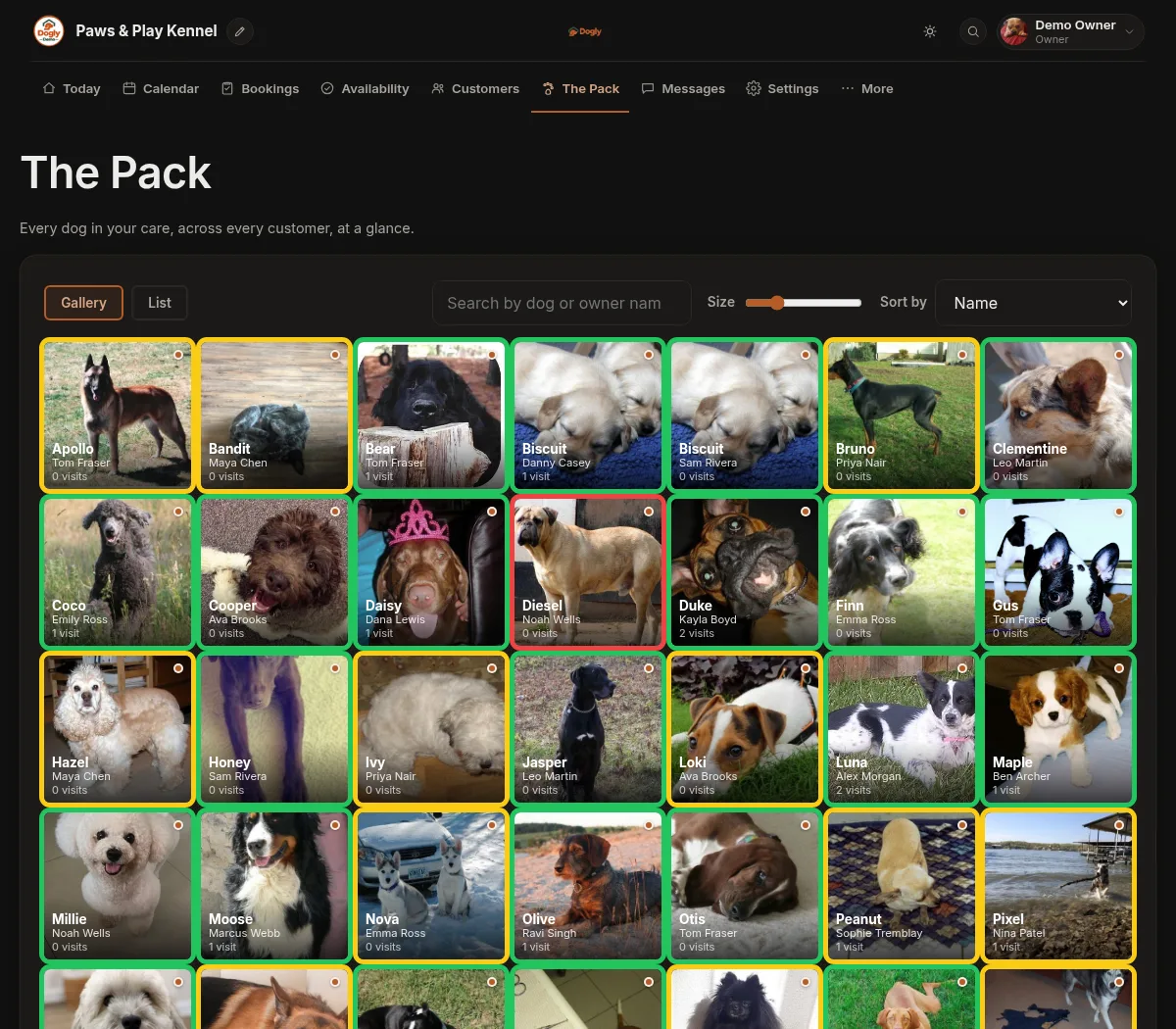
You get everything you need to run your dog kennel business online. Dogly is not a website builder with a booking widget bolted on. The booking system is the whole point, and the site is built around it. It was designed from the ground up specifically for dog kennels.
Use your own domain, or a free yourkennel.dogly.ca address to start. Pick from 9 templates and 16 colour themes, then change the colours, fonts, hero photo and logo until it matches your brand. Try the styles live on the example site →
Cards go through your own Stripe or Square account, so customers stay on your site and the money lands with you. They can also pay by Interac e-Transfer, or in person with cash or debit.
Temperament notes, vaccination records with expiry reminders, feeding and medication instructions, and vet contacts. It is what your front desk looks up at check-in.
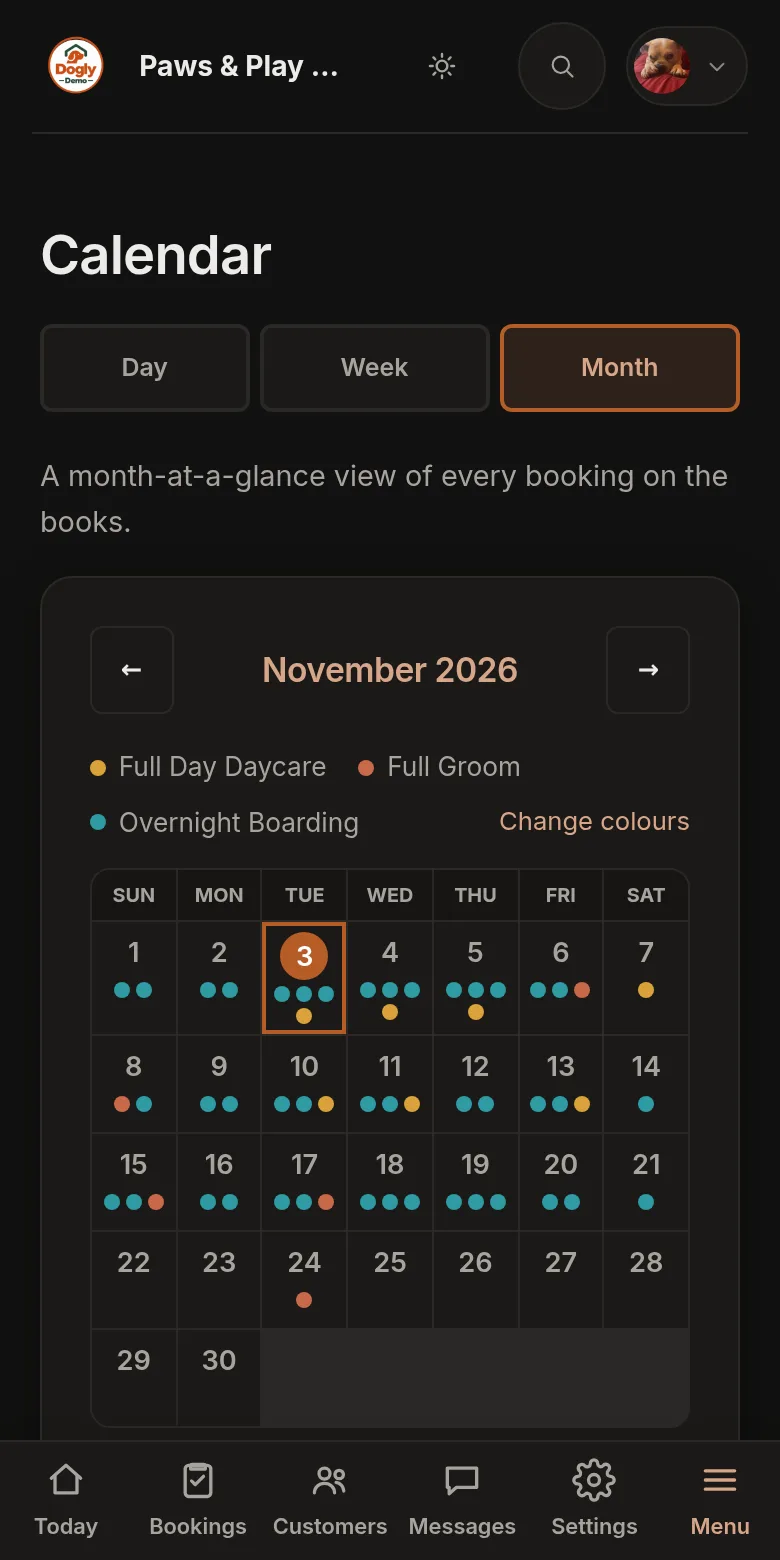
Owner and staff dashboards with a booking calendar for scheduling, daily care checklists and capacity at a glance. Your whole team signs in with their own login, and you choose what each staff member can do, such as taking payments, cancelling bookings, seeing reports or issuing refunds. It's a web app that runs in the browser: add it to the home screen of any phone or tablet and it opens full screen with its own icon, and there is nothing to download from an app store.
Confirmations, reminders, vaccination notices and stay updates go out with your logo and your words, and you can rewrite every email your customers get. Once your domain is connected they can come from [email protected]. You get an email the moment someone books or writes in.
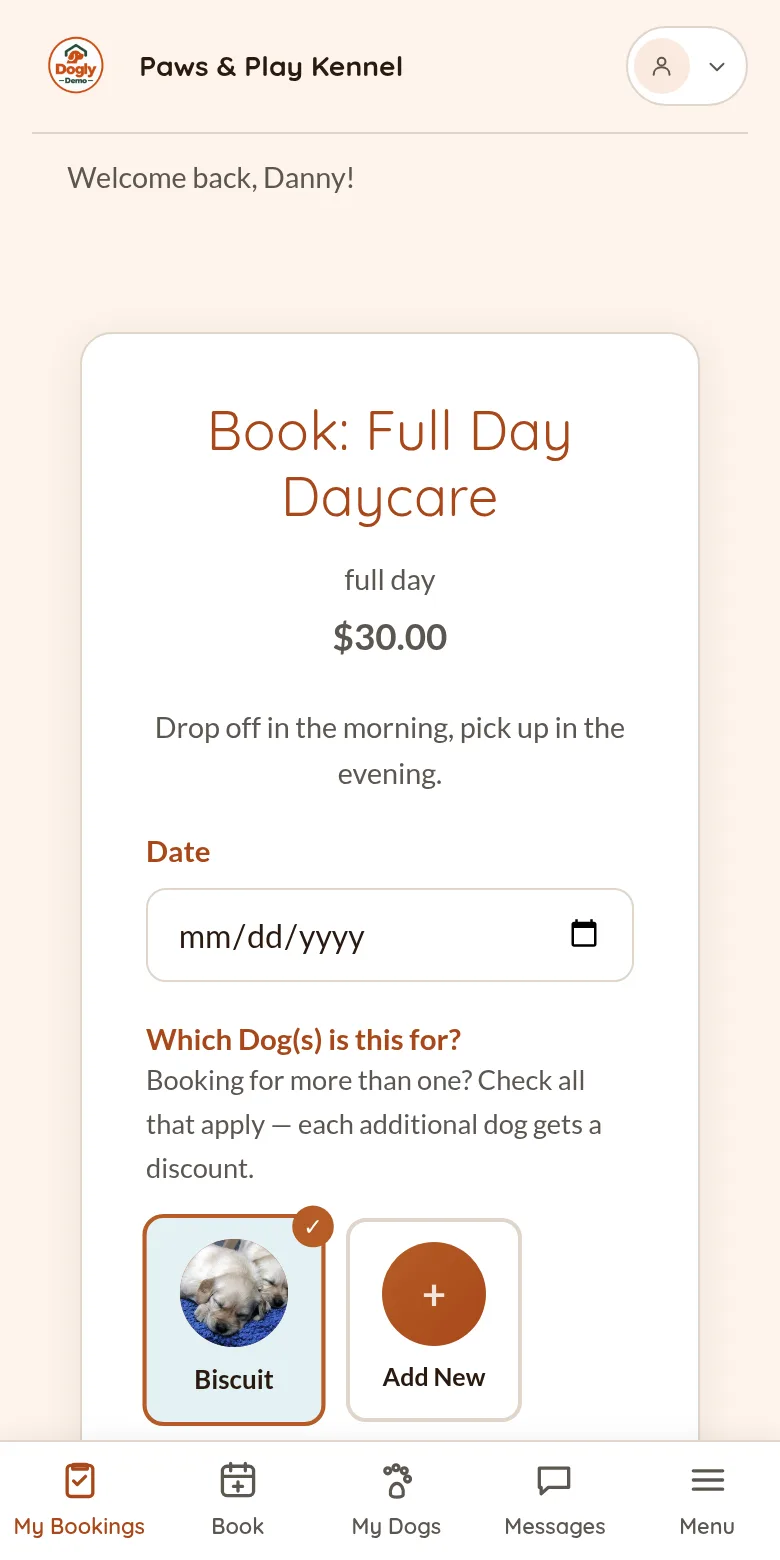
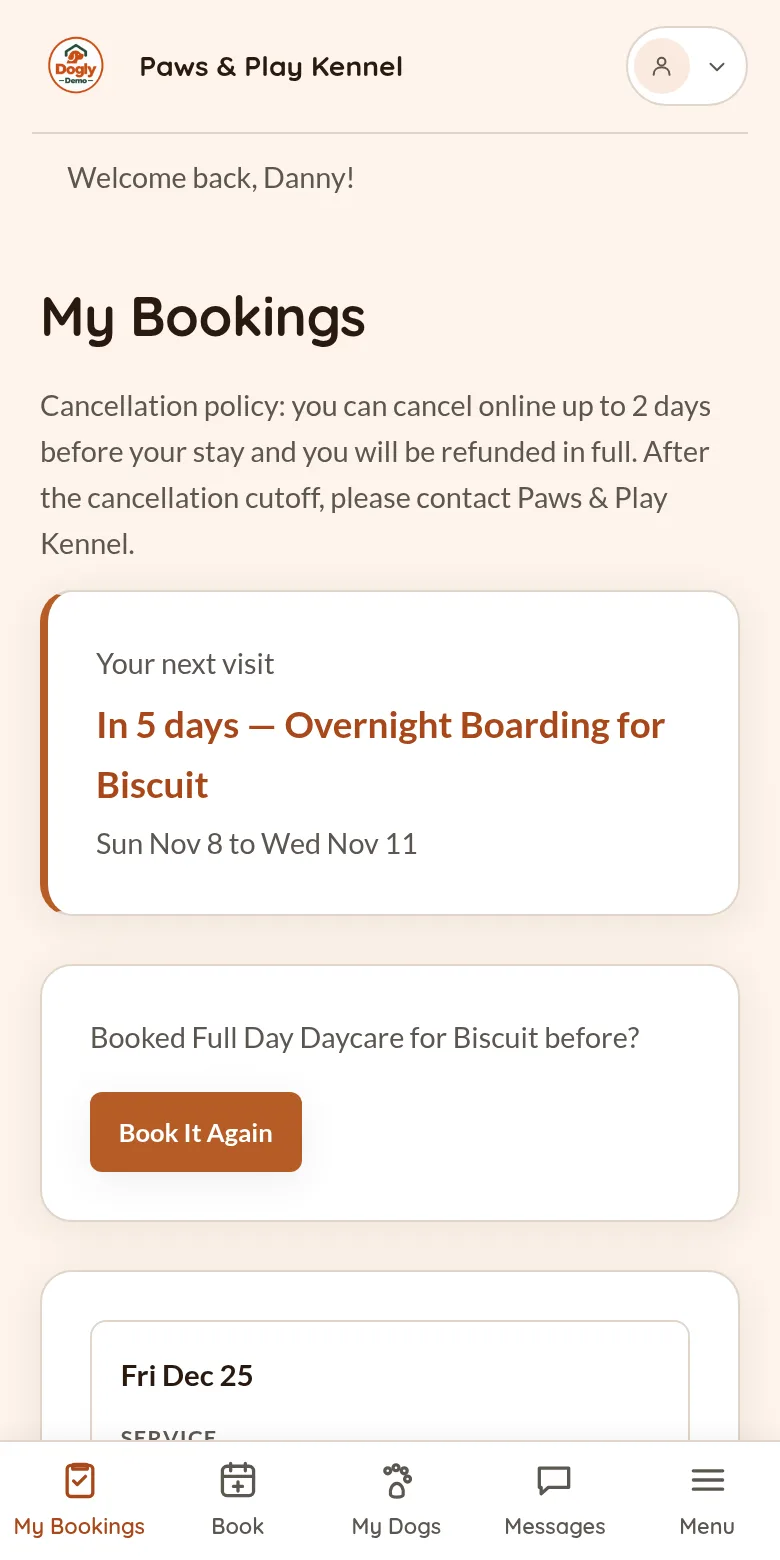
Customers sign up with Google or an email, make online reservations, rebook a past stay in one click, keep their dog's profile current and message your staff. Your public site shows your services, reviews and photo gallery, all tied to the same dashboard.
Send and receive texts from your dashboard for reminders and quick questions. Connect your own Twilio account and it works. The integration is already built.
Home, About, Services, Gallery, Reviews, Contact, the optional First Visit and Team pages and your blog posts all have text you write yourself in a simple editor, like writing in a Word document: bold, links, lists, headings and photos. The layouts are fixed, so it is content editing, not a page builder.
Holiday prices that repeat every year, extra for bigger dogs, long-stay and second-dog discounts, packages and deposits. Set how late customers can cancel and whether a late fee applies. They cancel themselves, and a waitlist emails people when a full weekend opens up.
No setup fee, no contract and no charge to turn on online booking. Unlimited clients, dogs, bookings and staff logins. Every optional module can be switched on or off, and none of them cost extra.
Your booking and customer data is encrypted and copied off-site every hour, and your photos and files every night. You do not set anything up.
Open a ticket from inside the dashboard. Replies come to your email and stay in the thread, and one of our developers answers.
Yes, there is a lot here, because Dogly does a lot. But it is not just a long list of options. It is also easy to use, and you never have to touch the parts you do not want. All of the basics are already set up and turned on for you. The more advanced tools are there when you need them: you switch those on yourself, and only if you want them. Your account is created the moment you sign up, and your site can be live in minutes. Or take your time and spend a few hours getting every detail just right. It is entirely up to you.
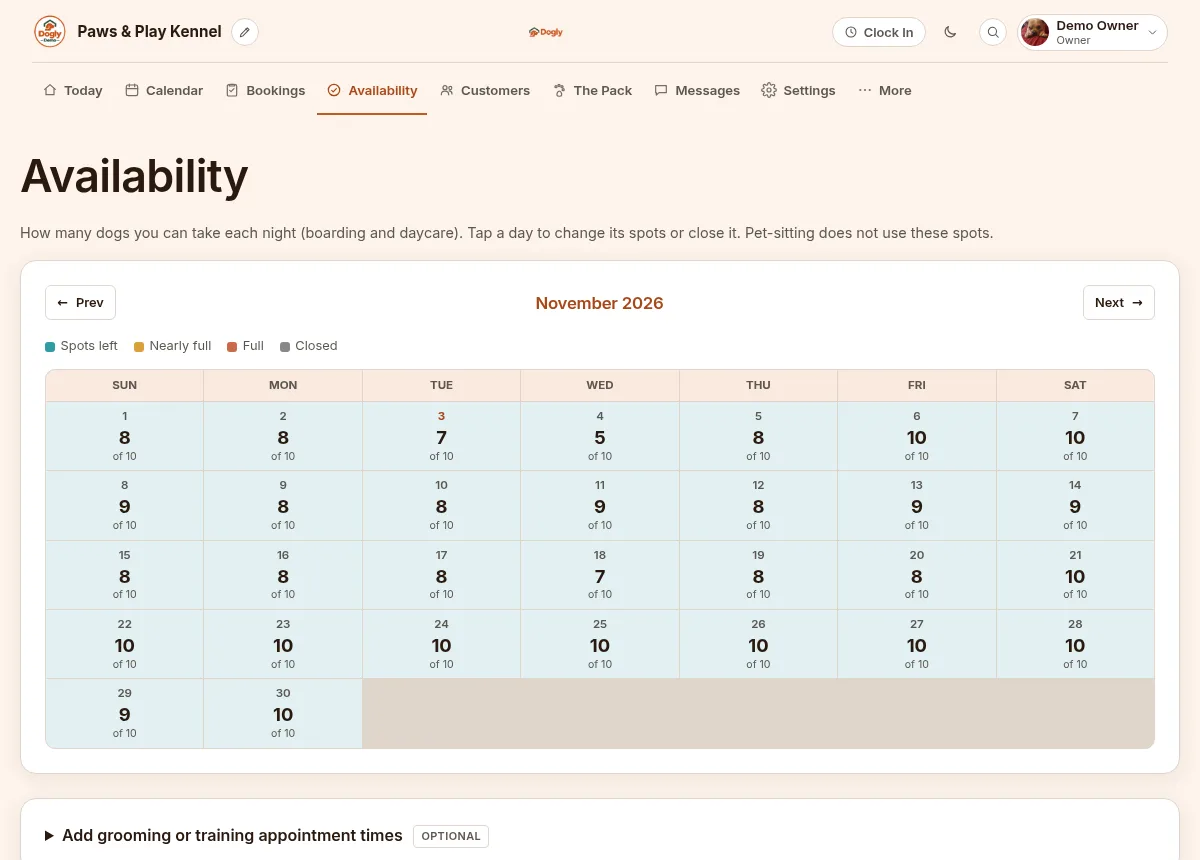
See how many spots are left each night. Tap a day to change its capacity or close it for a holiday.
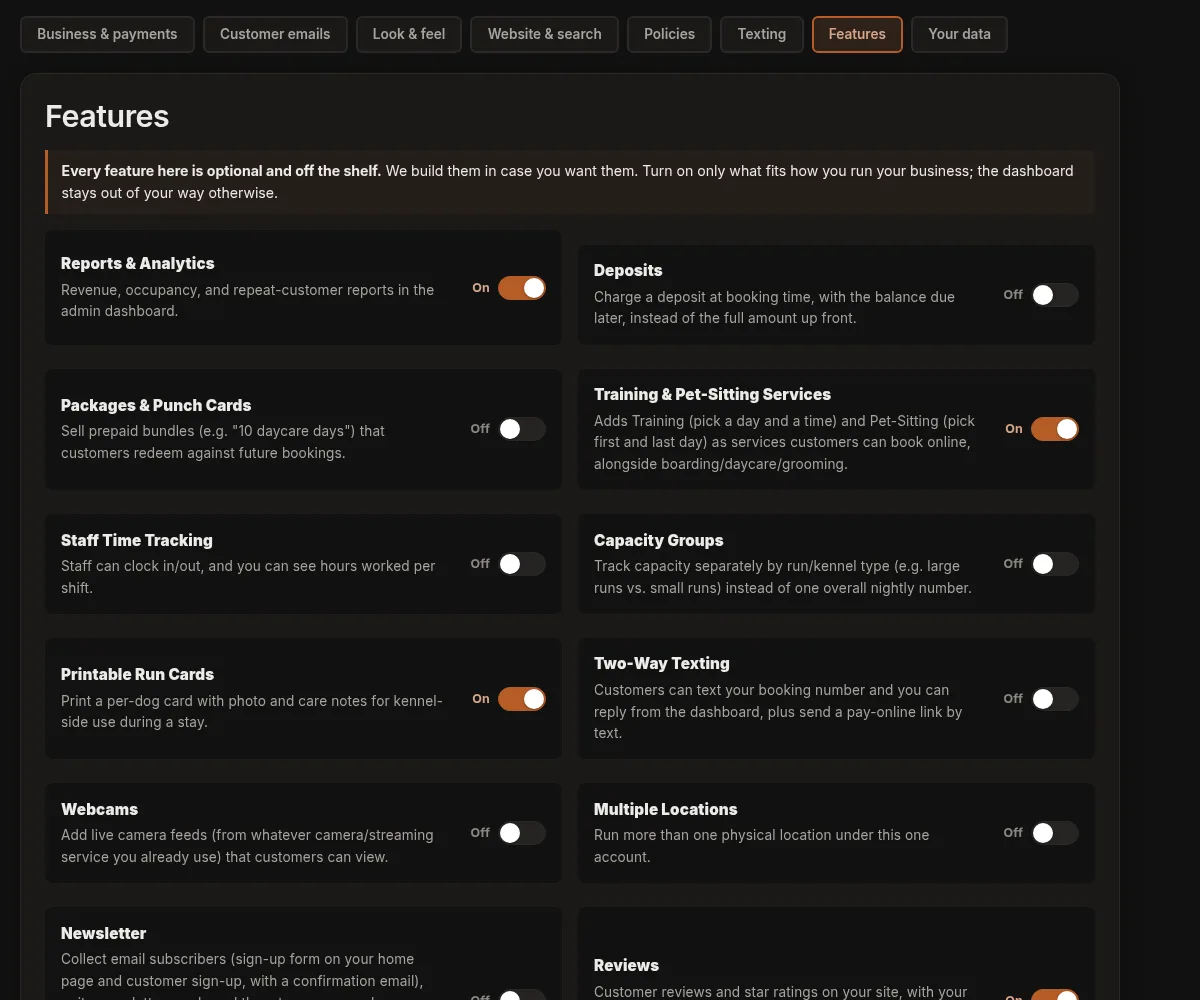
Deposits, packages, repeat bookings, saved cards and more are optional modules with their own switch.
What your customers see
Booking confirmations, reminders, photo updates and birthday wishes go out with your logo and your name. You get the alerts too. Swipe through them.
← Swipe, or tap the arrow, to see the other 13 emails →
The moment someone creates an account on your website.
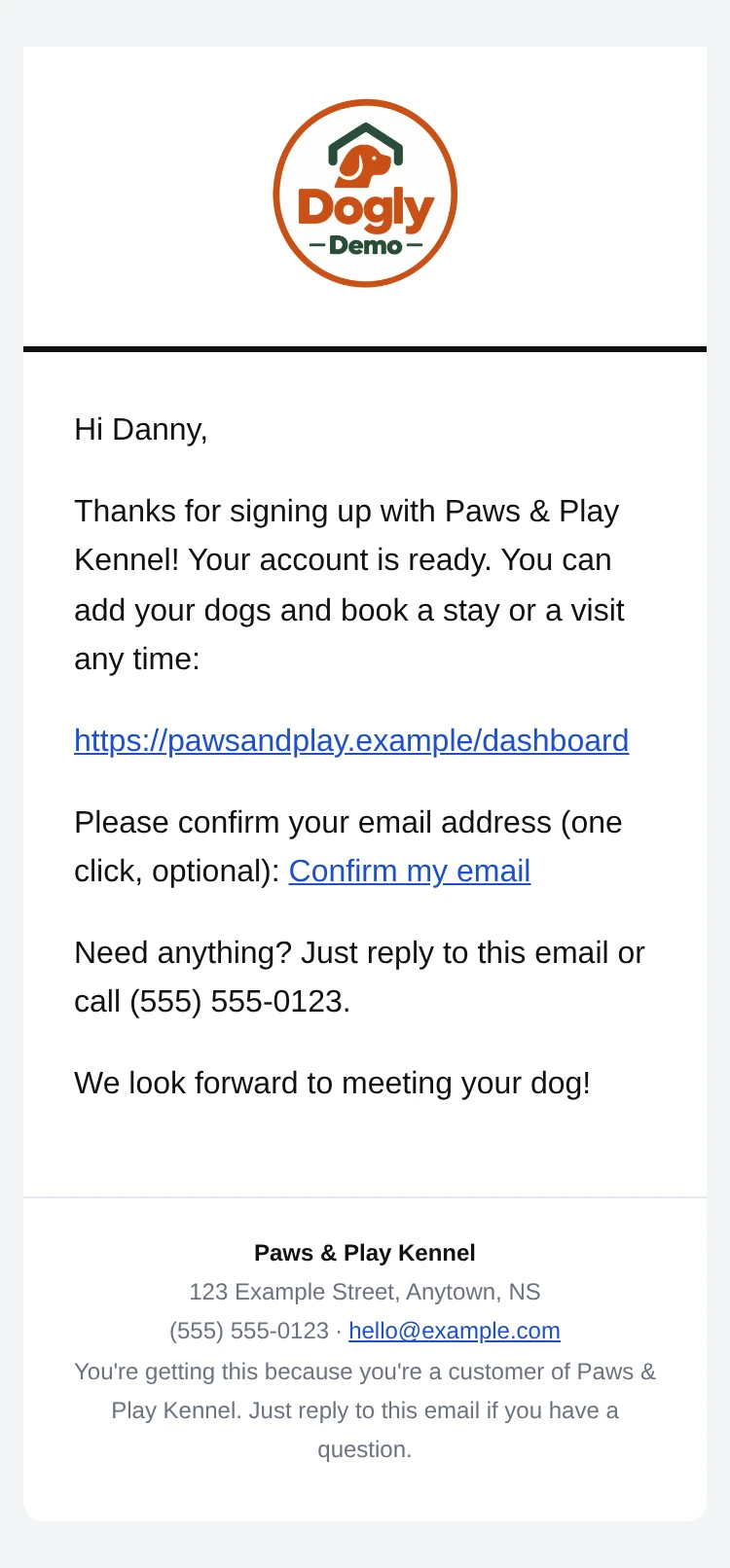
Tap to enlarge
The moment a booking is confirmed (paid online, paid at drop-off, or paid with a package credit).
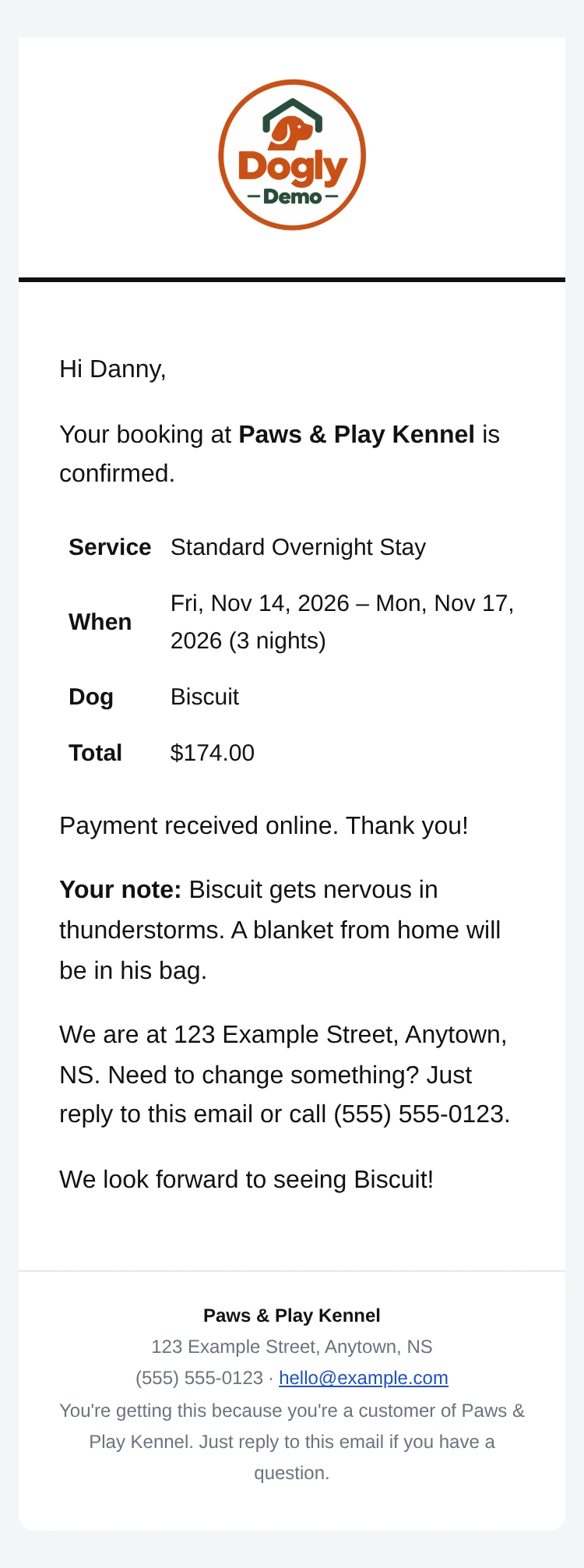
Tap to enlarge
Sent automatically the morning before a booking.
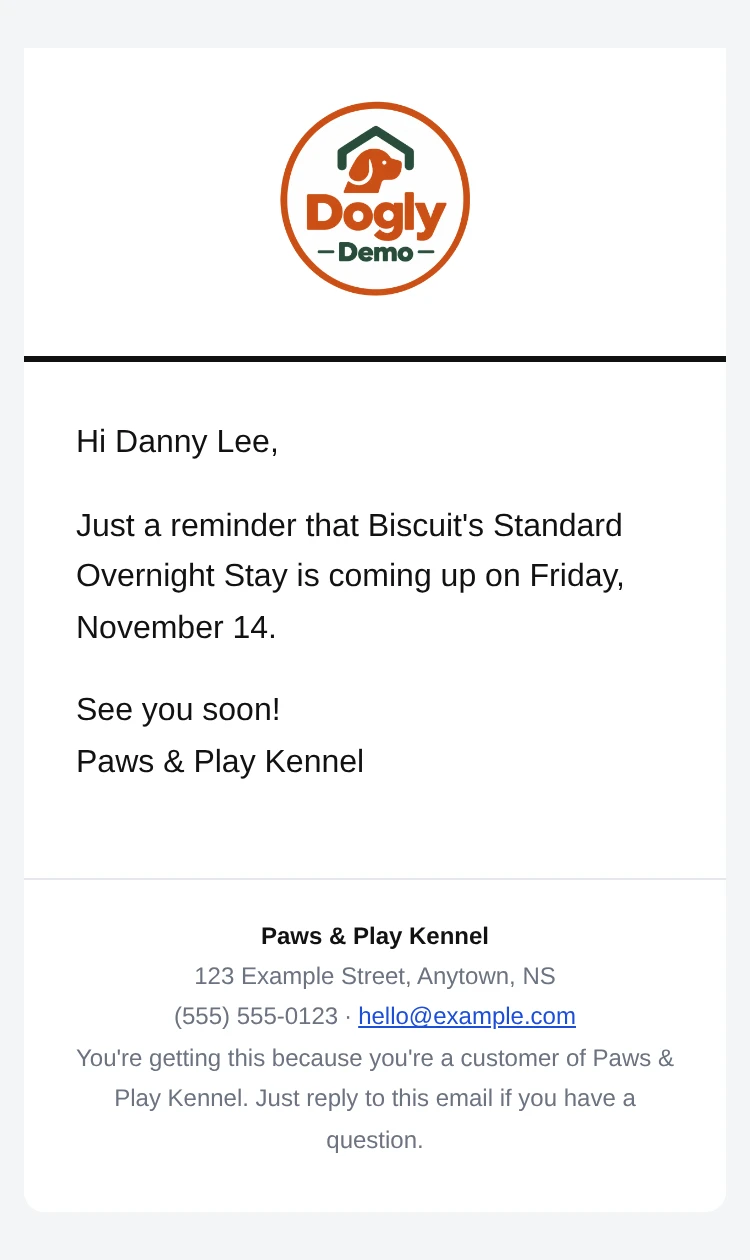
Tap to enlarge
Sent automatically before a dog's vaccination record runs out.
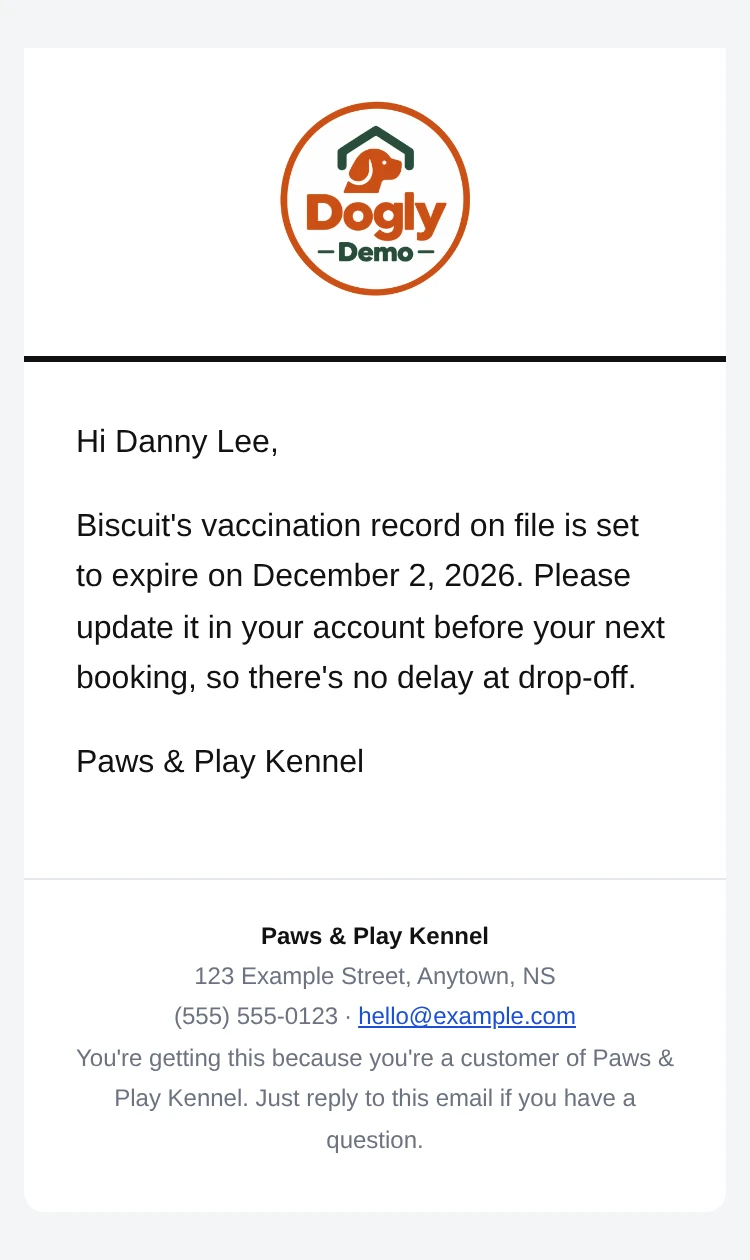
Tap to enlarge
Sent once, a few days after a stay or visit ends, if the kennel turns on review requests. Off by default.
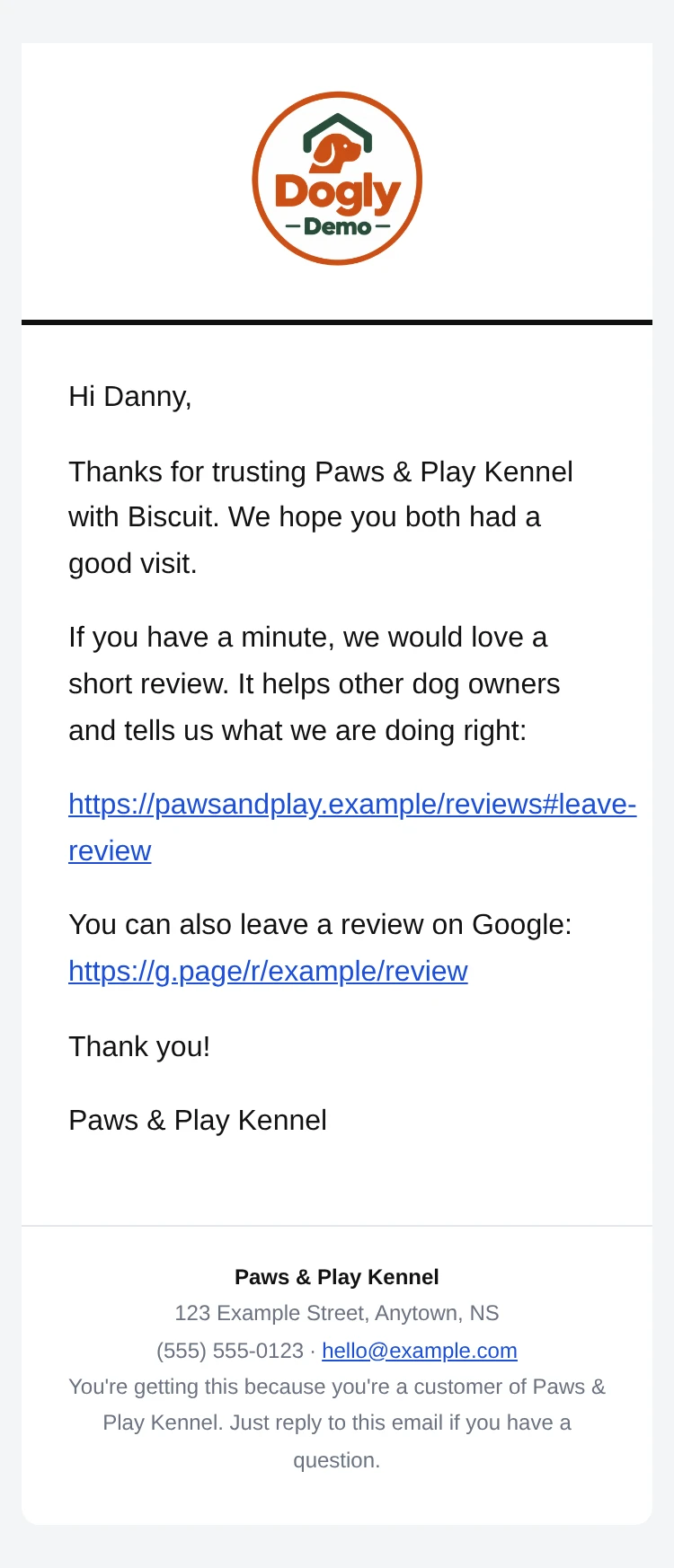
Tap to enlarge
Sent when staff post a note or photo about a dog during their stay.
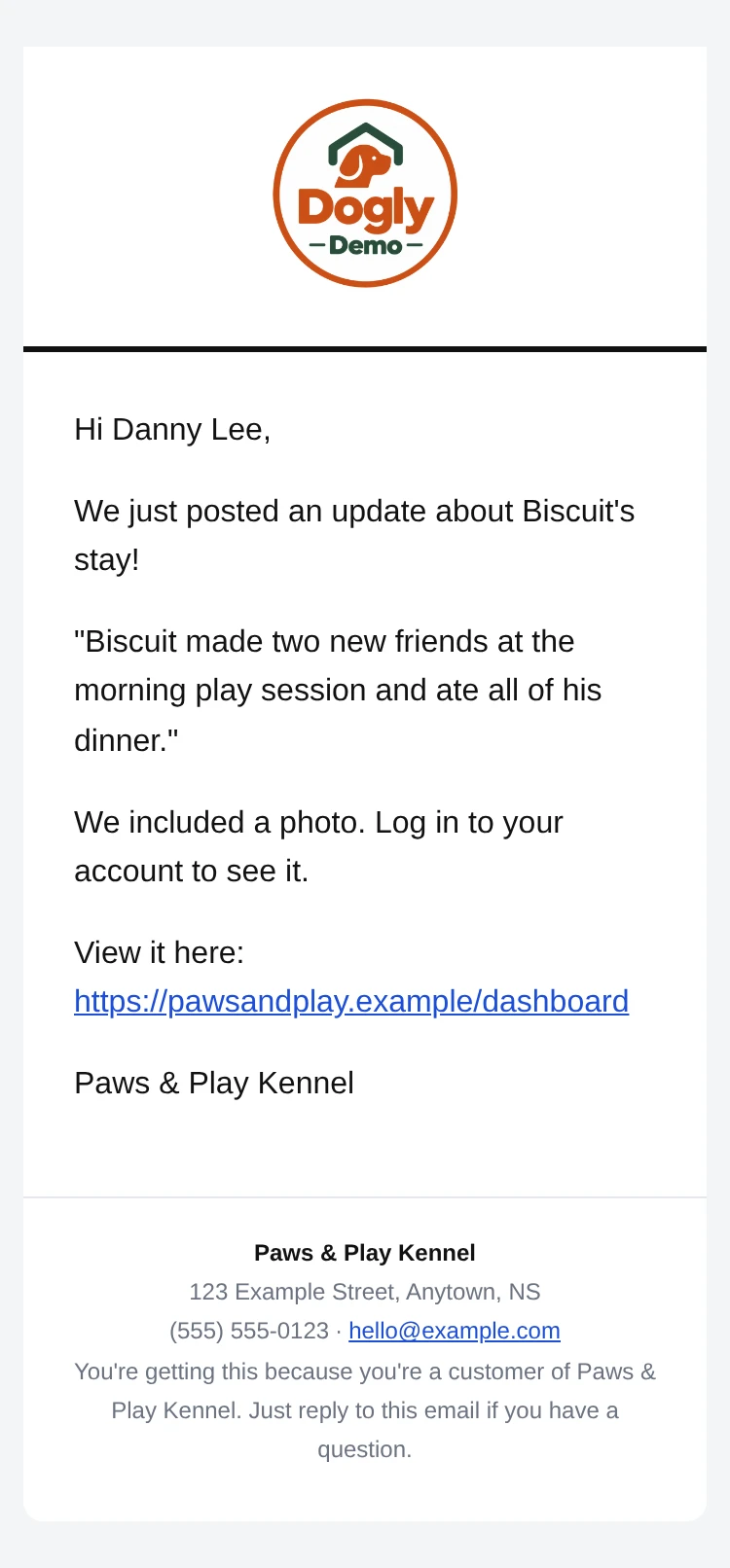
Tap to enlarge
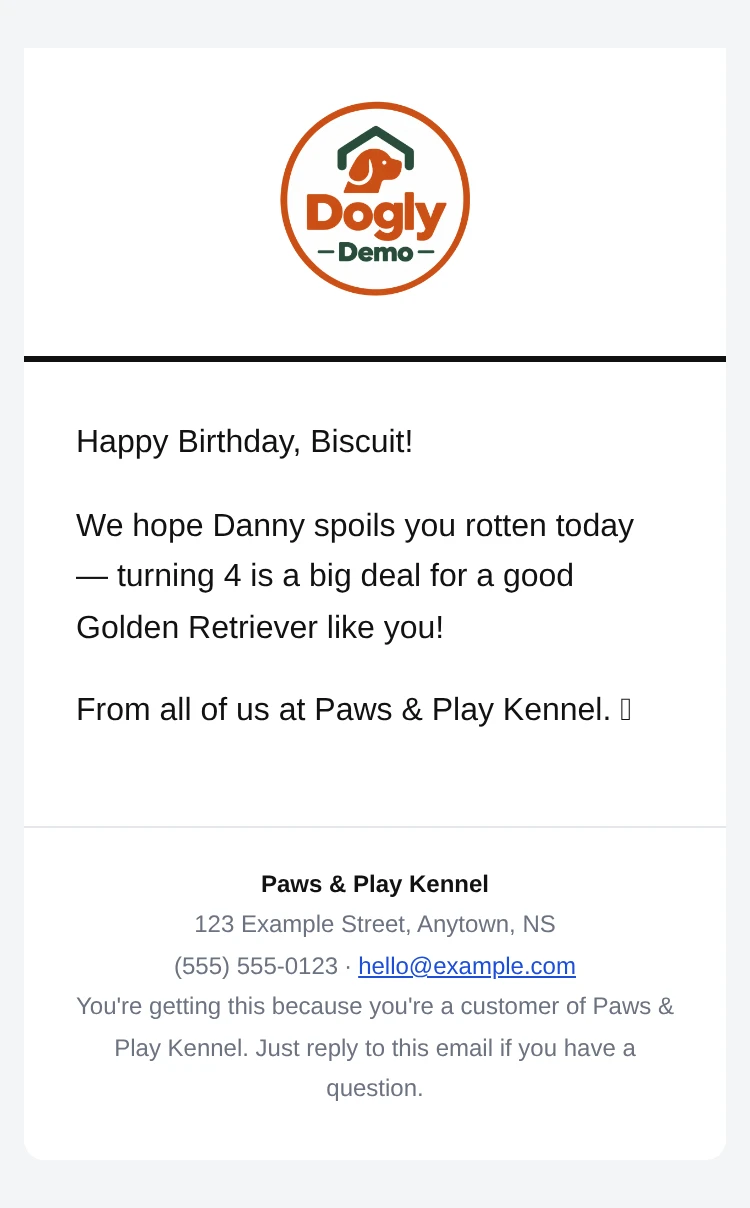
Sent automatically on a dog's birthday. You can edit the wording in Settings.
Tap to enlarge
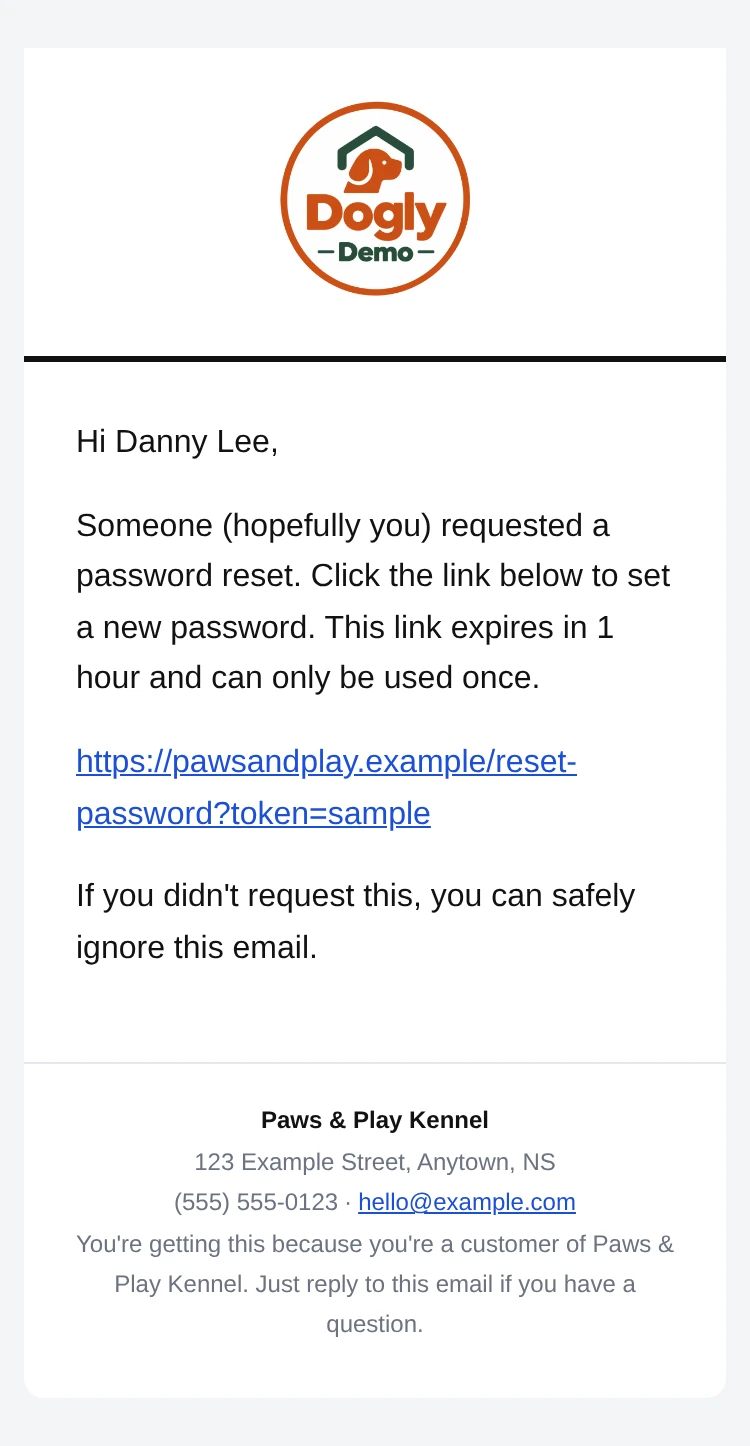
Sent when a customer asks to reset their password.
Tap to enlarge
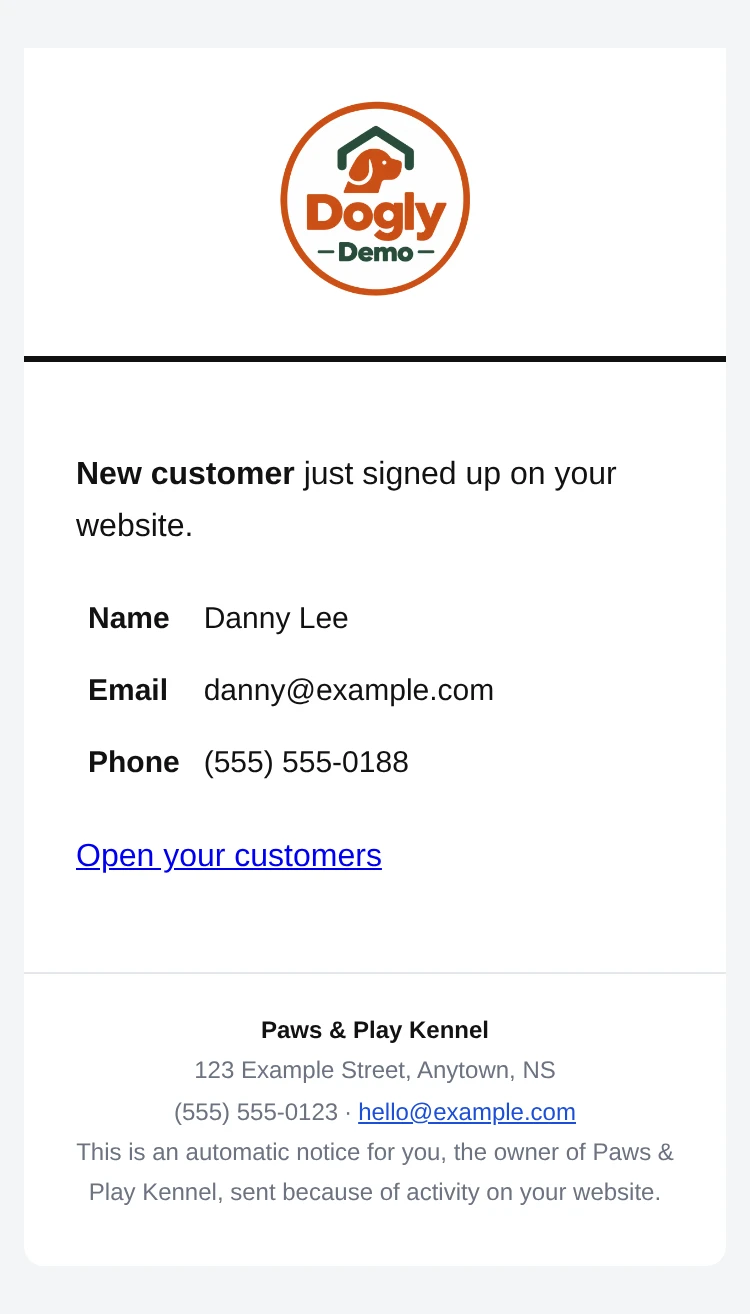
The moment someone creates an account on your website. Replying reaches them directly.
Tap to enlarge
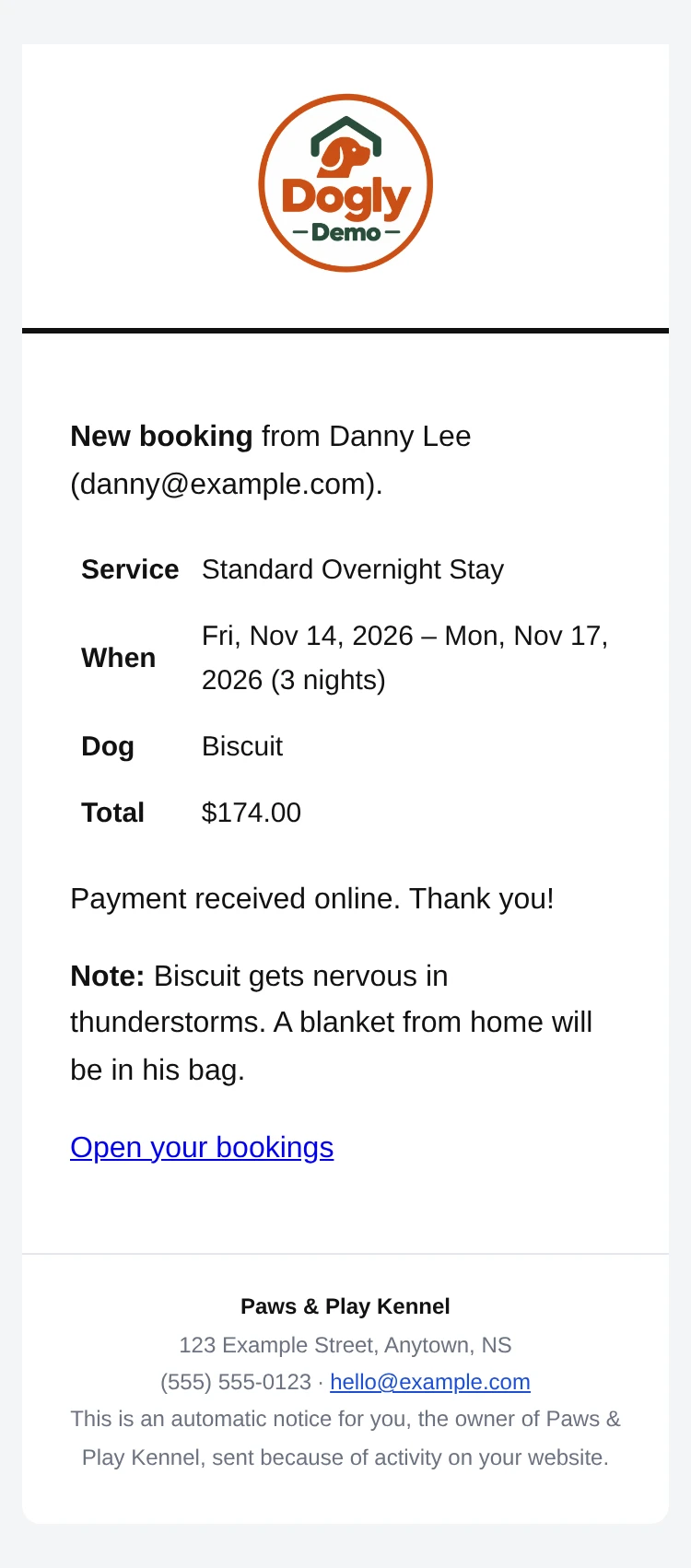
The moment a customer books. Goes to your contact email and every owner login. Replying reaches the customer.
Tap to enlarge
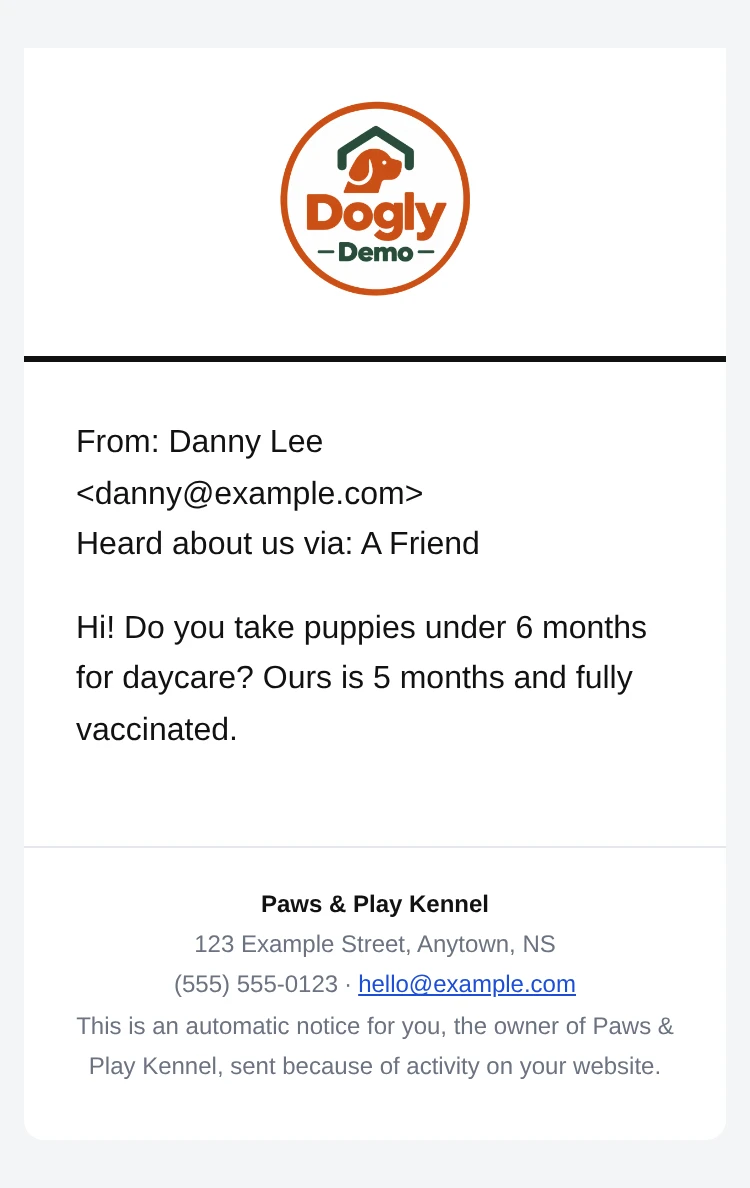
When someone fills in the contact form on your website. Replying reaches them directly.
Tap to enlarge
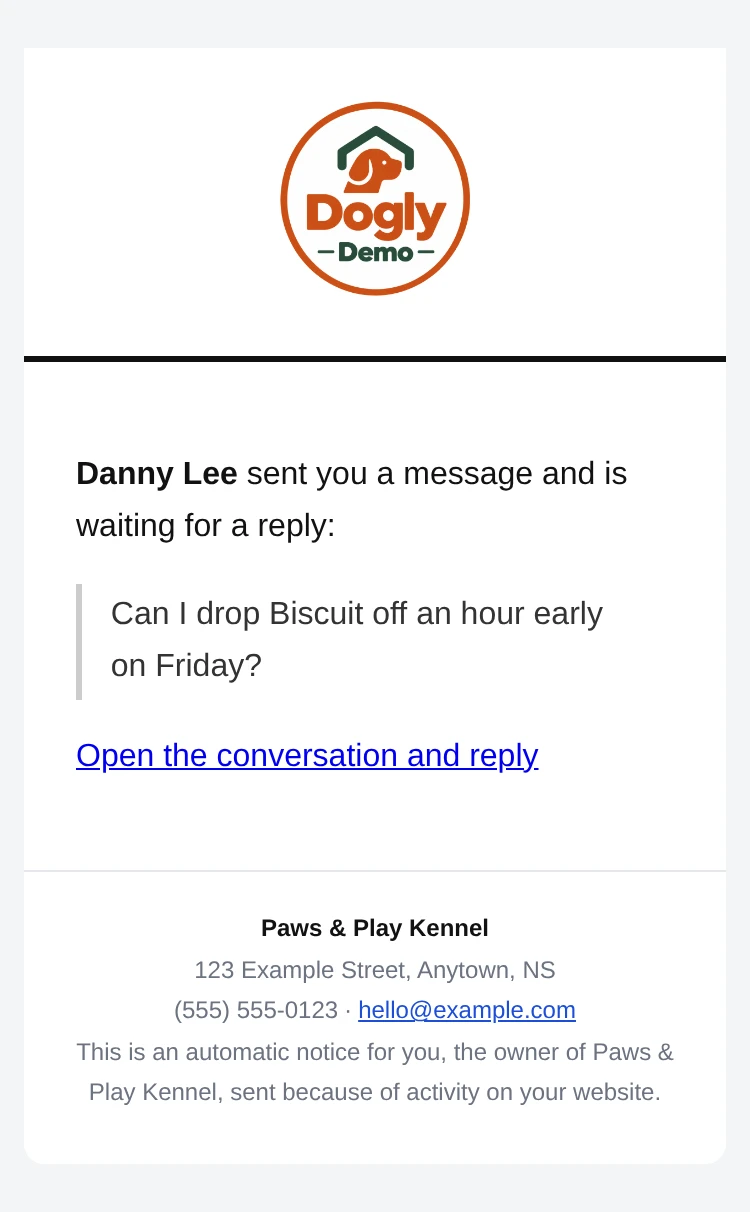
When a customer messages you from their account and is waiting for a reply.
Tap to enlarge
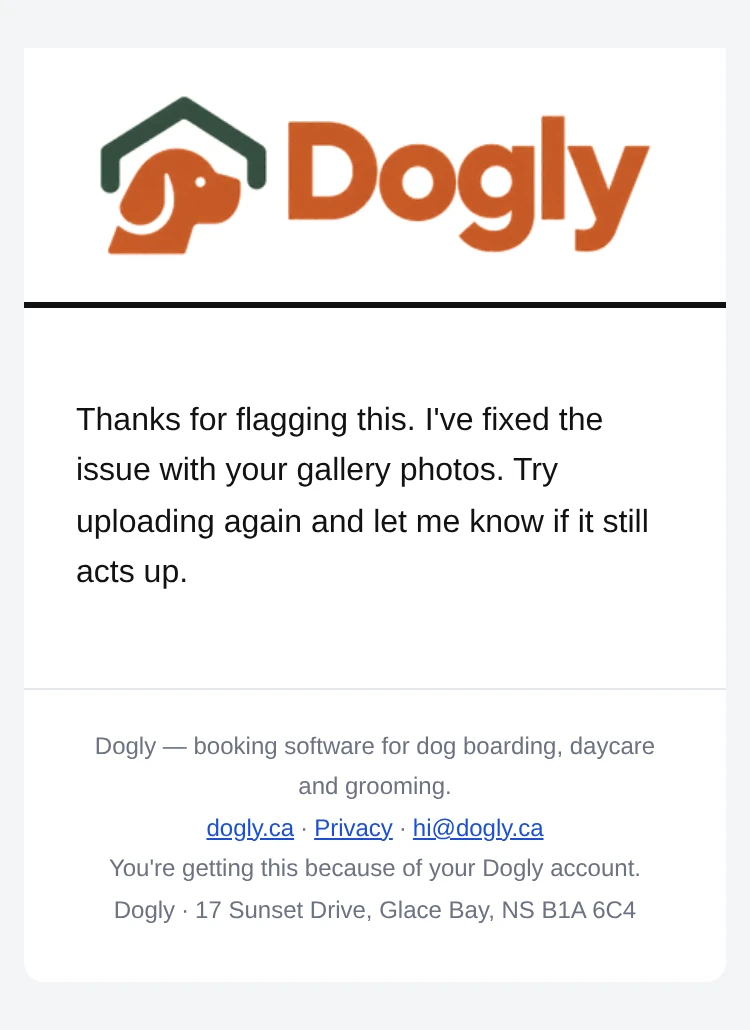
When Dogly replies to a support ticket you opened.
Tap to enlarge
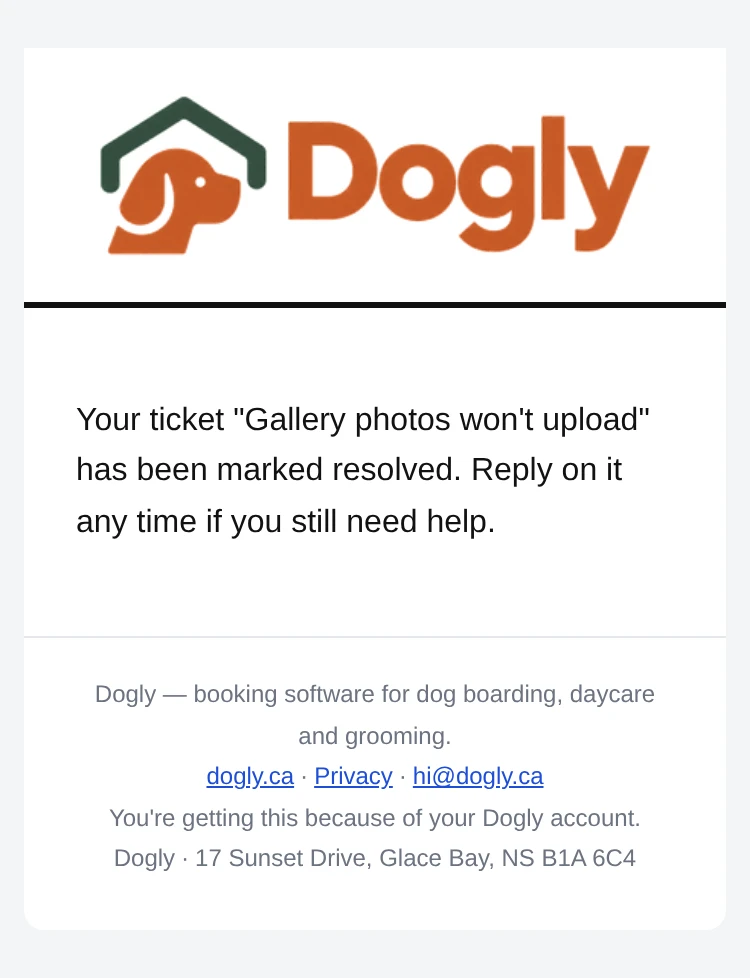
When a support ticket is marked resolved.
Tap to enlarge
Not everyone is on social media, and the people who are rarely see a kennel's posts. A real website is the one place every customer can find you, at any hour.
Not everyone uses Facebook or Instagram, and a post doesn't always show up in people's feeds. Google can list a real website, but not a Facebook post or a spreadsheet link. Someone searching "dog boarding near me", or told about you by a neighbour, lands on your prices, open dates and a Book Now button.
Use the same link in your Instagram bio, Facebook page and Google Business listing, and on your sign or business card. It always shows real availability, so nobody has to message you and wait for a reply just to book.
Your site answers what you'd otherwise answer all day: prices, free dates, which vaccines you need. Customers book at midnight or on a Sunday, with no phone call and no waiting for a reply.
Your own logo, domain, real reviews and photos show a new customer you run a proper business, before they've met you or walked through your door. And it's yours: no algorithm hides it, and no platform can take it away.
Try the live demoA real working kennel with sample data. No sign-up. The demo password is shown on the page.
Kennel software pricing is usually more complicated than the number on the homepage. Here's what's true as of late 2026, based on each company's own published pricing pages. Dogly's price is in Canadian dollars; the others are U.S. companies billing in USD. At today's exchange rate, $75 CAD is about $54 USD. The “real monthly cost” row adds the published add-on prices a kennel would need to get what Dogly includes; where an add-on has no published price we say so, so the real figure may be higher. Prices were checked against each company's own pricing page on November 3, 2026.
| Dogly | Kennel Connection |
Gingr | DaySmart Pet |
Pawfinity | |
|---|---|---|---|---|---|
| Published starting price | $75 CAD/mo (~$54 USD), everything included | $89 to $149 USD/mo (about $125 to $209 CAD), by plan (Desktop from $89, Cloud and Hybrid $149) | $100 to $209 USD/mo (about $140 to $293 CAD), by plan (Spa, Play, Stay) | $29 to $199 USD/mo (about $41 to $279 CAD) by tier, $10 to $20 more without their payments, plus $9/mo per extra user | $55 to $110 USD/mo (about $77 to $154 CAD), by tier |
| Real monthly cost to get what Dogly includes (boarding, daycare, grooming, website and texting) | $75 CAD (about $54 USD). Nothing to add on | $199+ USD (about $279 CAD): Cloud plan $149 plus the $50 texting add-on | $154 to $209 USD (about $216 to $293 CAD) for the Stay plan, which is the one with boarding. Texting is an add-on with no published price | $134+ USD (about $188+ CAD): Deluxe $69, plus daycare calendar $25, boarding calendar $25 and website builder $15. Two-way texting is extra with no published price, and users beyond 3 are $9 each | $105 to $115 USD (about $147 to $161 CAD): the Royal plan ($100 to $110) is the one listed for all service types, plus document storage from $5, and texting is charged per message |
| Starting price with two-way texting | About $54 USD/mo, plus Twilio’s own rates paid directly to Twilio | $149 + $50 = $199+ USD/mo (about $279 CAD), Cloud plan plus texting add-on | Not published (texting is an add-on) | Not published (texting is an add-on) | $55 to $110 USD/mo (about $77 to $154 CAD), plus per-message fees |
| Two-way texting | Included. Connect your own Twilio account at Twilio’s rates | $50/mo add-on | Add-on, price not published | Add-on, contact them for pricing | Charged per message (5¢ each at low volume) |
| Extra staff logins | Unlimited staff logins, no extra charge | No per-user fee listed | No per-user fee listed | $9/mo per extra user | Unlimited logins |
| Vaccination records and document storage | Included. Customers upload records, expiry reminders go out, and expired shots block a booking (you can turn that off) | Upload is included. Expired vaccines are not hard-blocked; the customer ticks an acknowledgement | Included. Online requests can be denied for expired or missing vaccines | A warning on the pet, not a hard block. Digital forms are on Deluxe and up | No vaccine upload or blocking found. Document storage from $5/mo (pet photos free) |
| Everything included in one price | Yes, every module, no upsells | No. 2-way SMS is a $50/mo add-on | No. Priced by plan, with SMS and employee scheduling sold separately | No. Website builder ($15/mo) and calendar modules ($25/mo each) sold separately | No. SMS and document storage sold separately |
| Free trial | 30 days, no card required | Demo only, no free trial | Demo only, no free trial listed | 14 days, no card required | 7 days, no card required |
| Setup fee and importing your data | None. Importing customers from a spreadsheet is free | No setup fee published; onboarding is included. $199/hour for database repair | $350 if Gingr does your data import (a free self-serve template exists) | No setup fee listed | None. CSV import is free |
| Contract and cancelling | No contract. Cancel any time from your billing page | Monthly, auto-renewing. Cancel with the official form and 15 days’ notice; fees can rise at any time | Auto-renews for the same term. 60 days’ written notice to cancel; fees non-refundable; 30 days’ notice of price rises | Auto-renewing with no stated minimum. Cancel before the next billing date; prepaid fees not refunded | Monthly or annual, auto-renewing. Cancel in the dashboard only; no refunds |
| Getting your data out | Owner downloads everything as a zip any time, free | One standard export a quarter; extra requests can cost $500 | An export file for 30 days after you end; an hourly fee may apply | Not published | Self-serve CSV export |
| Billed in Canadian dollars | Yes, $75 CAD | No. US dollars | No. US dollars | Not stated | Yes, but with a 2% currency fee |
| Connect your own domain | Free to connect (you register & pay for the domain itself) | No website builder; online booking portal only. Own domain not documented | No website builder; customer portal at yourname.portal.gingrapp.com. Own domain not documented | Yes, with the $15/mo website builder: add DNS records for your own domain | Booking page at crm.pawfinity.com/yourname. Own domain not documented |
| Custom branding & colors | Included: logo, colours, fonts, layout | Design wizard for the booking portal: logo, colours, fonts, header image | Portal logo and accent colour | Booking-site theme colour. Website themes have fixed colours and fonts | Logo on your booking page. Colour options not documented |
| Blog / news updates on your site | Included | No blog feature found | No blog feature found | No blog feature found | No blog feature found |
| Where customer payments land | Directly in your own Stripe or Square account | Kennel Connection’s own processing (CardPointe and Clover). Required for deposits, subscriptions and card on file. Rates not published | Gingr Payments (on Stripe), or your own processor with fewer features; Stay costs $30/mo more without it. Rates not published; reviewers report about 2.99% + 40¢ online | DaySmart Payments (Stripe or CardConnect), required to take cards online. Rates not published (interchange plus a markup and fees) | Stripe-based, optional. Their payments page lists 2.99% + 30¢ online (the page looks dated) |
| Online booking | Included for boarding, daycare and grooming, plus optional training and pet-sitting | Included on KC Cloud and Hybrid plans | Included, through the customer portal | An add-on with no published price. Their help guide says boarding and daycare cannot be booked online | Included |
| Per-location pricing | One price covers your business, with no per-location charge | Corporate plan, contact for pricing | Enterprise plan, custom pricing | Premium Growth tier, contact for pricing (reported) | No per-location fee published; unlimited staff and clients |
| QuickBooks, payroll and point of sale | A QuickBooks Online import file and an optional staff time clock with timesheets (estimates, not payroll). No point of sale: use your Square or Stripe app | Retail and inventory module; QuickBooks Desktop | Retail and staff management; time clock | QuickBooks add-on on some plans; time clock | Point of sale, inventory, time clock and payroll, QuickBooks sync |
The averages. Across these four, the cheapest published plans average about $68 USD ($96 CAD) a month and the top plans average about $167 USD ($233 CAD) a month, before add-ons like texting, extra calendars and extra users. Dogly is one price: $75 CAD (about $54 USD) a month with everything included. US prices are converted at 1 USD = 1.40 CAD, the rate on November 3, 2026.
Figures come from each company's own pricing pages, help centres and customer agreements as of November 3, 2026, and can change. “Not published”, “not documented” and “not found” mean we couldn't find a public answer, not that they don't have one. Anything a company doesn't state itself, such as payment rates quoted by reviewers, is marked as reported. Check with them directly for a current quote. We're not affiliated with any of them.
Privacy and security are a huge priority for us at Dogly. Your customer and booking data is encrypted and backed up off-site every hour, automatically, with no setup required on your end.
One plan. One price. Everything included, with no tiers to compare and no add-on menu to price out.
Or $750 CAD/year, two months free.
30-day free trial. No card required to start.
*Texting requires your own Twilio account. We built the integration, you just connect it.
No per-location surcharge. If your kennel needs something outside the ordinary, email us and we will figure it out together.
The demo is a real, working kennel dashboard with sample data already in it. Nothing to sign up for.
Poke around the demo