Dogly / Dog grooming
Dog grooming software with online appointments
Grooming works differently from boarding: one price, one time slot, one dog on the table. Here is how Dogly handles appointments, reminders and notes, and how it sits next to boarding and daycare.
Start your free trialSee a live demo
$75 CAD a month, everything included. 30-day free trial, no card required.
Time slots you create
Grooming in Dogly is booked by appointment slot, not by night or by day. You generate slots for a day by choosing a start time, an end time and a slot length, for example every hour from 9 to 5 or every 90 minutes for full grooms. Customers only see open slots, and a booked one disappears. Grooming slots do not use your boarding capacity, so a full kennel never blocks the grooming table. Because you choose the slot length for each day you generate, a day of quick nail trims and a day of long full grooms can have different lengths, whichever suits how your table is laid out.
- Generate slots by day, start, end and length
- Booked slots vanish from the customer view
- Separate from boarding and daycare capacity
Services, prices and add-ons
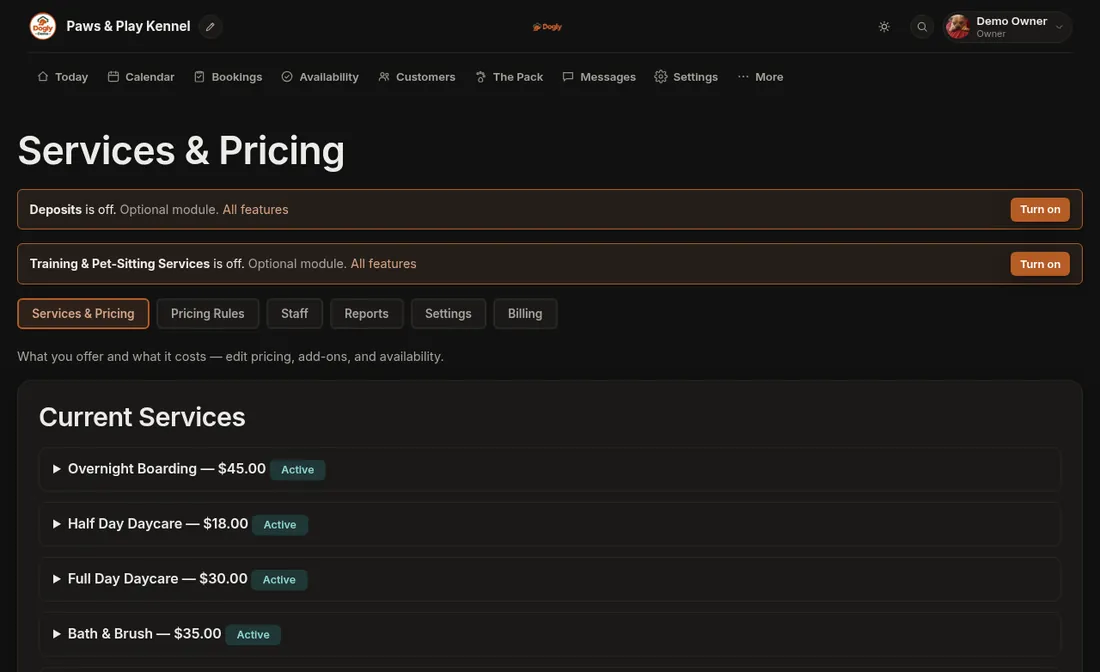
Each grooming service has one flat price per appointment, for example full groom, bath and brush, or nail trim. Add-ons such as teeth brushing or de-shedding are a flat price per booking and are offered when a customer books grooming. Add-ons are a switch in your settings, on by default, so you can turn them off if you prefer to quote extras in person. Size surcharges and per-night rules apply to boarding, so for a big dog you would set a separate service and price.
- One flat price per appointment
- Add-ons priced per booking
- Separate services for dog sizes if your prices differ
- Optional tax shown as included or added
Reminders that cut no-shows
Booking reminders go out once by email, one or two days before a confirmed grooming appointment, and the message includes the appointment time. You can rewrite the reminder in your own words. If you connect your own Twilio account, you can also turn on text reminders. Customers can cancel themselves up to the cutoff you set, 48 hours by default, and the slot opens again. After the cutoff, a late fee can apply, taken as a percentage of what the customer paid.
- Reminder email 1 to 2 days before
- Optional text reminder through your own Twilio account
- Self-cancel within your window
- Optional late fee as a percentage of the amount paid
Notes that stay with the dog
Coat type, clipper blade preferences, sore spots and handling notes live on the dog's profile, so whoever is on the table has the history. Staff notes and tags are private to your team. A red, yellow or green flag marks dogs that need extra care. You can print a pet card with the key details and, after the appointment, email the owner a photo update. Vaccination dates are tracked too, and a booking can be blocked when they are out of date if that is your policy. Groomers also benefit from the birthday greeting, a small optional touch where Dogly emails the owner on the dog's birthday, and texts too if you use Twilio, as long as the owner entered the date. The wording is yours to edit.
- Private staff notes and tags
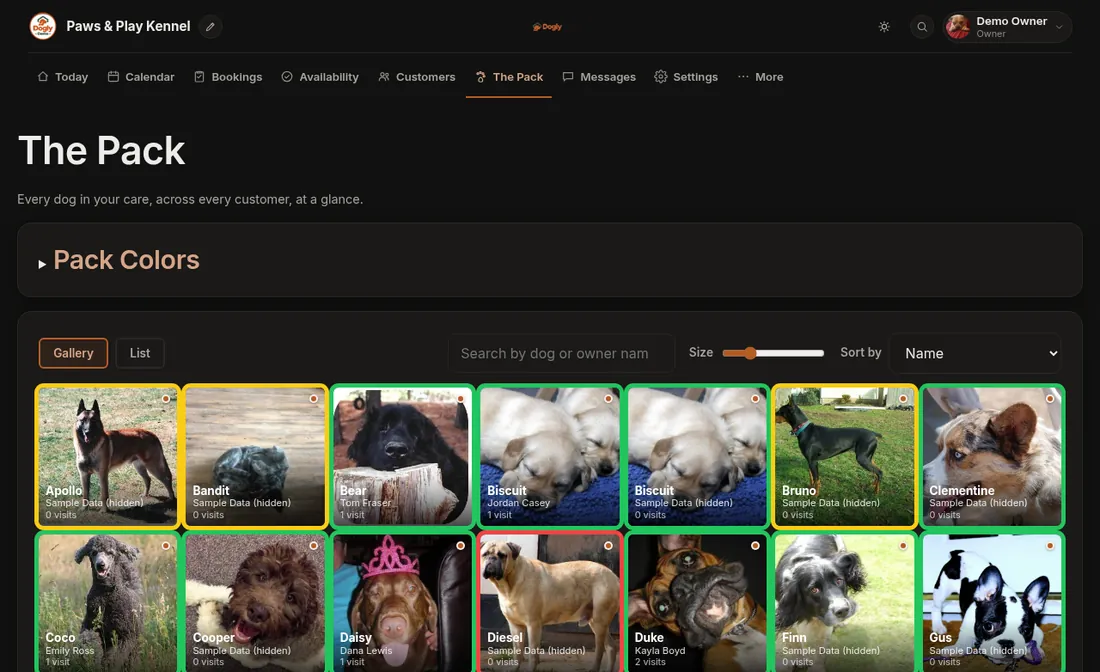
- Colour flags
- Printable pet card
- Photo updates by email
Taking payment
Customers can pay by card through your own Stripe or Square account, by Interac e-Transfer, or in person, according to what you switch on. E-Transfer and in-person payments are marked paid by your staff. On Stripe, regulars can save a card if you switch that on; Square kennels do not get saved cards. You can refund in full or in part, and print a PDF receipt that shows your tax number. Because everything sits in one customer record, you can see what a customer has paid and what is still waiting to be paid, and an end-of-day tally in the reports shows the day's takings.
Running grooming with boarding or alone
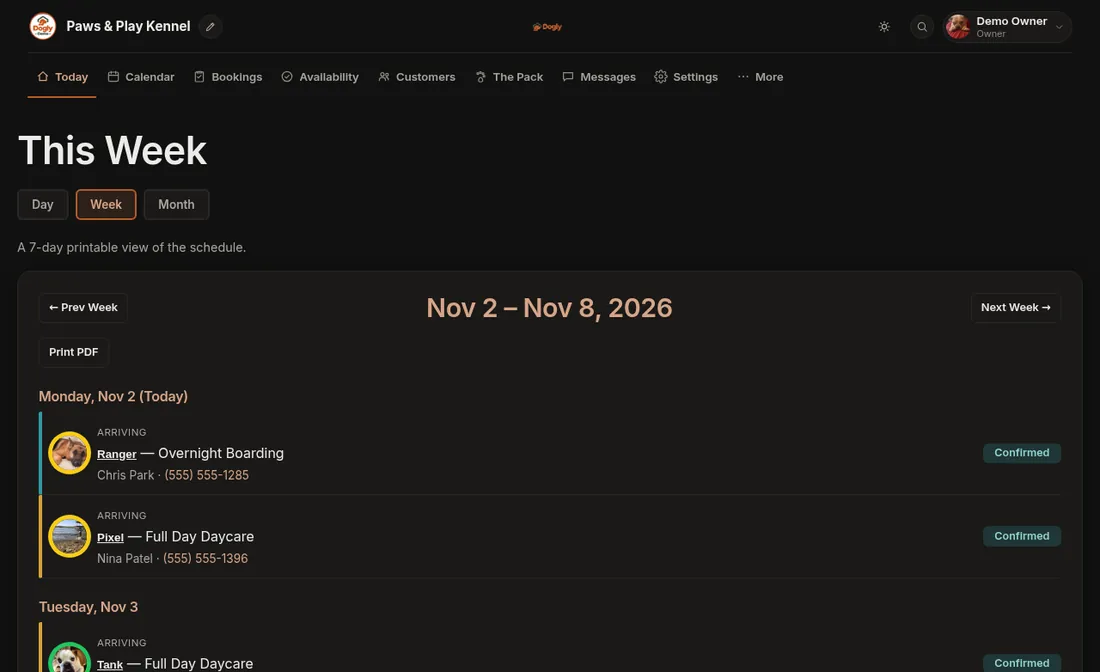
If you only groom, you can use Dogly for just that and leave the other services off. If you also board, grooming sits in the same calendar and the same customer and dog records, so a boarding dog can be booked for a bath before pickup. Staff can reschedule a single-dog appointment from the dashboard without starting over.
What to know before choosing
Repeats run weekly, every 2 weeks or monthly, so a customer on a six-week cycle books each visit. Slots are created by you per day, which gives control but takes a few minutes each week.