Dogly / Kennel Connection alternative
Looking for a Kennel Connection alternative?
If you are weighing a move away from Kennel Connection, the hard part is rarely the new software. It is the cut-over: your customers, your upcoming stays and your routines. This page is a practical switching plan. Our home page has a side-by-side comparison checked on November 3, 2026; always confirm against Kennel Connection's current pricing before you decide.
Start your free trialSee a live demo
$75 CAD a month, everything included. 30-day free trial, no card required.
Start with why you are leaving
People leave kennel software for different reasons, and the reason decides what to test. If it is cost, add up a full year of what you pay today, including any extras, and compare it with a single flat price. If it is a missing feature, test that exact feature in the trial before anything else. If it is a dated look or a hard-to-use customer site, check how your own booking page would look and feel to a customer on a phone.
- Cost: total a full year on both sides
- Missing feature: test it first, in the trial
- Customer experience: book as a customer on your phone
- Payments: check where your money lands and when
What Dogly includes
Dogly is one plan at $75 CAD a month, or $750 CAD a year. You get boarding, daycare and grooming booking, nightly capacity, dog and customer records, vaccination rules, an online waiver, staff accounts, reports and a website with your own domain. There is no per-location, per-staff or per-dog charge. Card payments go straight to your own Stripe or Square account with no Dogly commission.
- Boarding, daycare and grooming in one calendar
- Online waiver and vaccination rules
- Website with 9 templates and 16 themes
- Reports on revenue, occupancy and repeat customers
How Kennel Connection's published terms compare
These points come from Kennel Connection's own pricing page, FAQ and service agreement, read on November 3, 2026. They can change, so check their pages yourself before you decide.
- Price: KC Cloud and Hybrid are $149 USD a month (about $209 CAD), and the Desktop plans start at $89. Two-way texting is a $50 a month add-on, which makes Cloud with texting about $199 USD, or $279 CAD.
- Free trial: Kennel Connection offers a demo, not a free trial. Dogly has a 30-day free trial with no card.
- Payments: Kennel Connection's own card processing is required for deposits, subscriptions and cards on file, and its rates are not published. With Dogly, card payments go straight into your own Stripe or Square account.
- Contract: monthly and auto-renewing with no minimum term. Cancelling uses an official form with 15 days' notice, and fees can rise at any time. Dogly has no contract and cancels from your billing page.
- Getting your data out: one standard export a quarter, and a special request can cost $500. Dogly owners download everything as a zip, any time, free.
- Billing: Kennel Connection bills in US dollars. Dogly bills $75 CAD a month with no tax added.
A cut-over plan that works
Do not switch on a Monday morning. Use the trial to build the new system while the old one keeps running, and move customers over once you trust it. A sensible order is below. Because the trial needs no card, none of it costs anything until you decide.
- Week 1: sign up, set services, prices, capacity, waiver and vaccination rules
- Week 1: export customers and dogs to a spreadsheet and import them
- Week 2: enter upcoming bookings by hand and run test bookings
- Week 2: connect Stripe or Square and set your cancellation rules
- Week 3: switch your website link and tell customers
- Keep the old export as your record of past stays
The export and the import
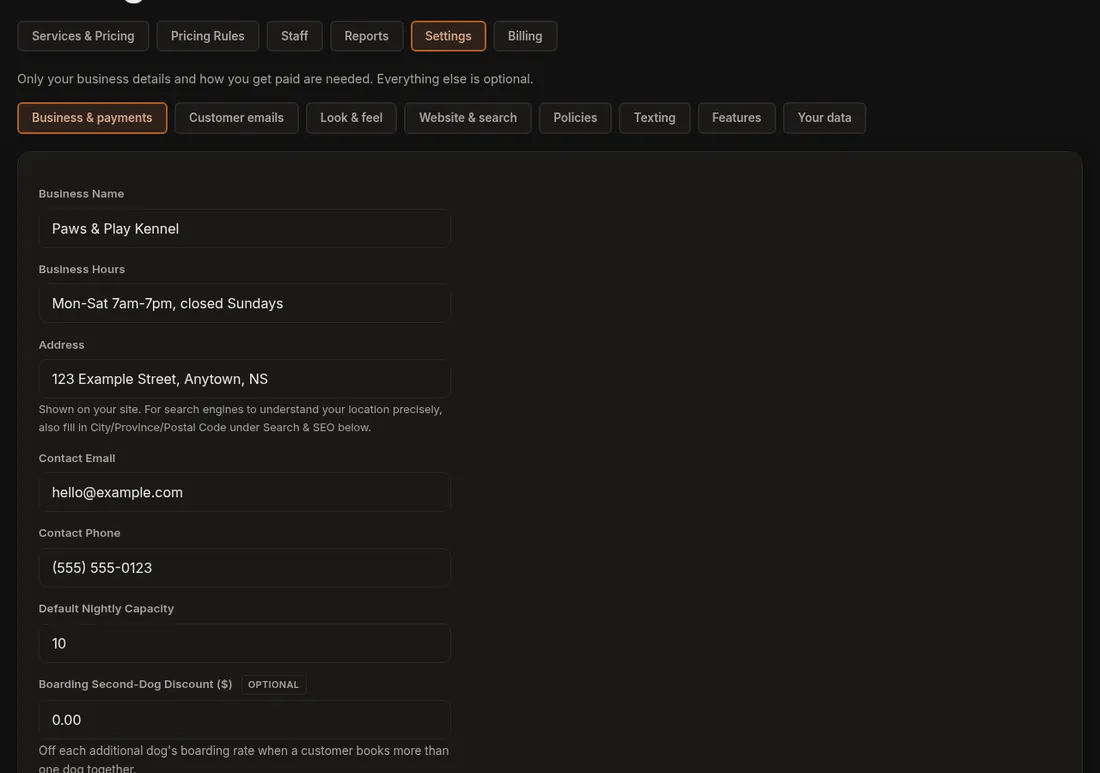
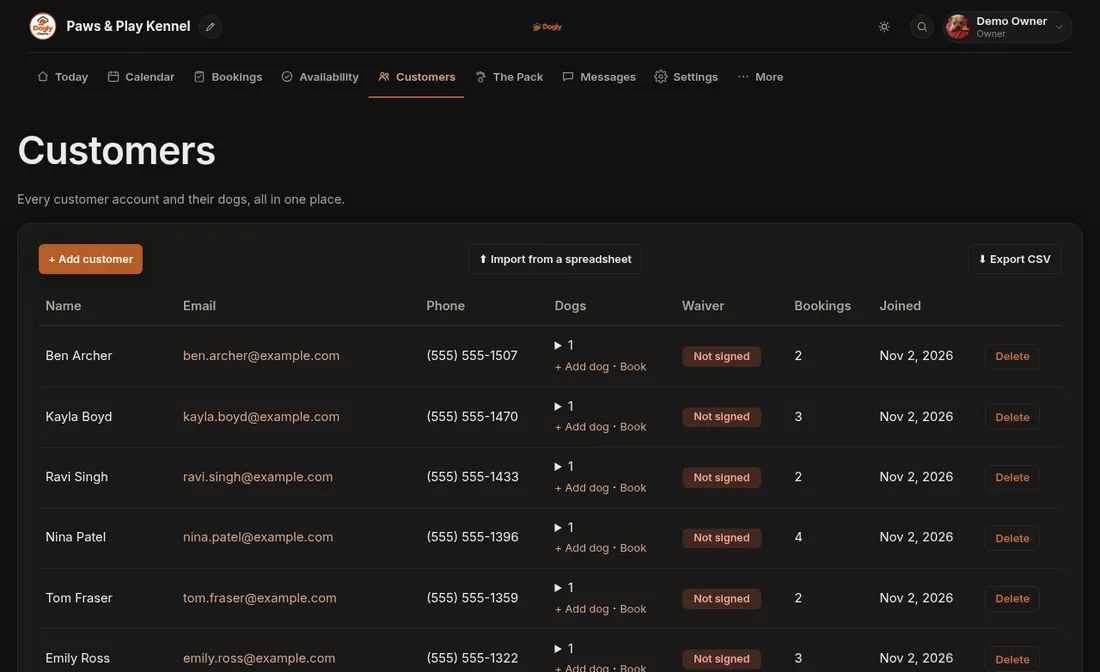
From your current software, export customers and dogs to a spreadsheet with one row per dog, then upload it as an Excel (.xlsx) or CSV file. In Dogly, the owner uploads the file in settings. Column names such as Owner, E-mail, Cell, Pet Name, Breed and Rabies Expiry are recognised in any order, and you see a preview before anything is saved. Duplicates are matched by email, phone and name, so running it twice is safe. It accepts up to 5,000 rows and 2 MB per file, so split a very large list.
What will not move
Only customers and dogs are imported. Booking history, payment records, signed waivers and photos stay behind, and imported customers have no password until they sign up with the same email. For upcoming stays, you will need to re-enter them, which staff can do from the dashboard. Saved cards are not imported either, because card details cannot be moved between providers. On Stripe, customers can save a card again from My cards once you switch that on. On Square, they enter card details on each booking.
- No booking history import
- Saved cards are not imported
- Customers re-sign the waiver online
- Upcoming bookings entered by hand
Telling your customers
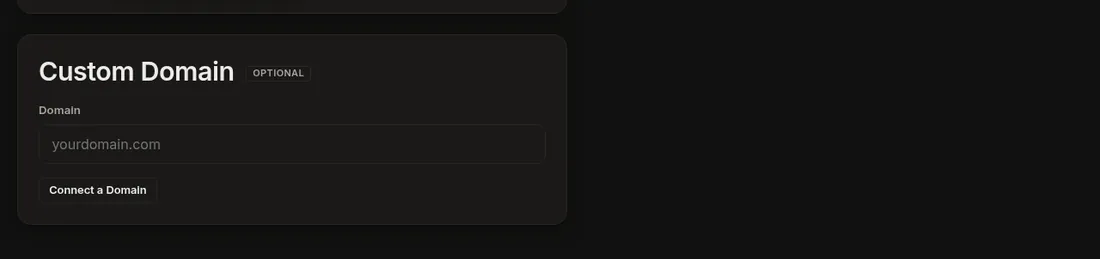
Customers will need to create an account on your new site, using email and password or Google. Send one clear email or social post with your new booking link, say that they should use the same email you already have for them, and mention the waiver. The welcome email, booking confirmation and reminder are in your wording, since you can edit them. On your own domain, you can also send booking emails from an address at your domain once the extra DNS records are verified.
Limits to weigh honestly
Repeat bookings are limited to 12 visits at a time, there is one tax rate per kennel, English only, and no mobile app in the stores. Boarding and daycare share one capacity pool unless you enable separate pools. If one of these is essential to you, test it or ask before you move, and compare it with what you have today.