Dogly / Vaccination tracking
Kennel vaccination tracking software that stops lapsed records at the door
Checking vaccination records by hand at drop-off is slow, and the one you forget is the one that matters. Here is exactly how Dogly records, checks and reminds, including the parts it keeps simple on purpose.
Start your free trialSee a live demo
$75 CAD a month, everything included. 30-day free trial, no card required.
What Dogly records for each dog
Every dog profile has a vaccination expiry date, a notes box and an optional uploaded record, which can be a PDF or a photo of the vet's certificate. Customers enter the date when they add the dog, including during booking, and can upload the paperwork later under My Dogs. Your staff can edit both. Uploaded files are stored with the dog and are included if you ever download all your data.
- One vaccination expiry date per dog
- Free-text vaccination notes
- Uploaded certificate as a PDF or image
- Editable by the customer and by your staff
One date, not a vaccine-by-vaccine table
This is the honest limit. Dogly tracks a single expiry date per dog, not a separate date for rabies, DHPP, bordetella and so on. Most kennels solve this by entering the date of the first vaccine to expire, which is the one that decides whether the dog can stay, and putting the details in the notes. If you need a vaccine-by-vaccine table with separate alerts for each, Dogly does not do that today, and it is better you know now.
- Enter the earliest expiry date
- Use the notes for the vaccine detail
- Review the uploaded certificate when it matters
Blocking bookings with out-of-date records
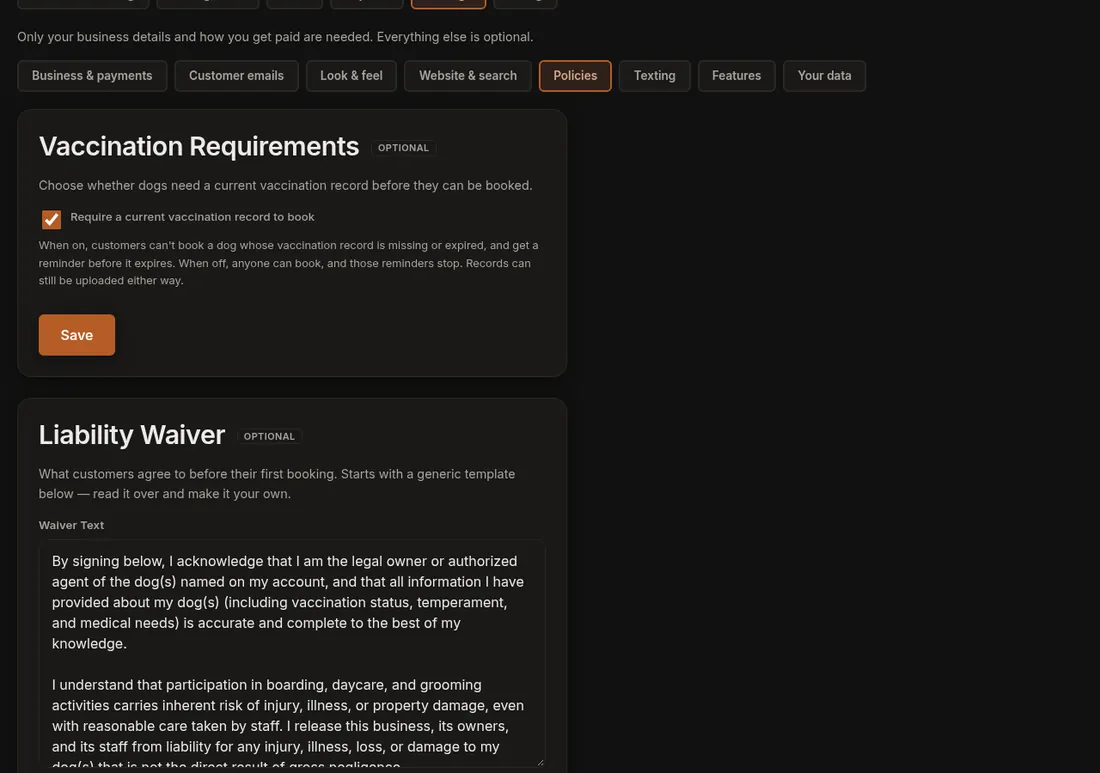
Requiring a current record is on by default. When a customer tries to book and the dog's date is missing or already past, the booking is refused with a message to update the record. The check uses the dog's date at the time of booking. You can turn the rule off in Settings, under Policies, if you would rather check records yourself. When it is on, an out-of-date dog never reaches your calendar. Staff can still correct the date on the dog's profile if the certificate is fine.
- On by default, can be turned off
- Applies when a customer books online
- Message tells the customer what to fix
Automatic reminders before a record lapses
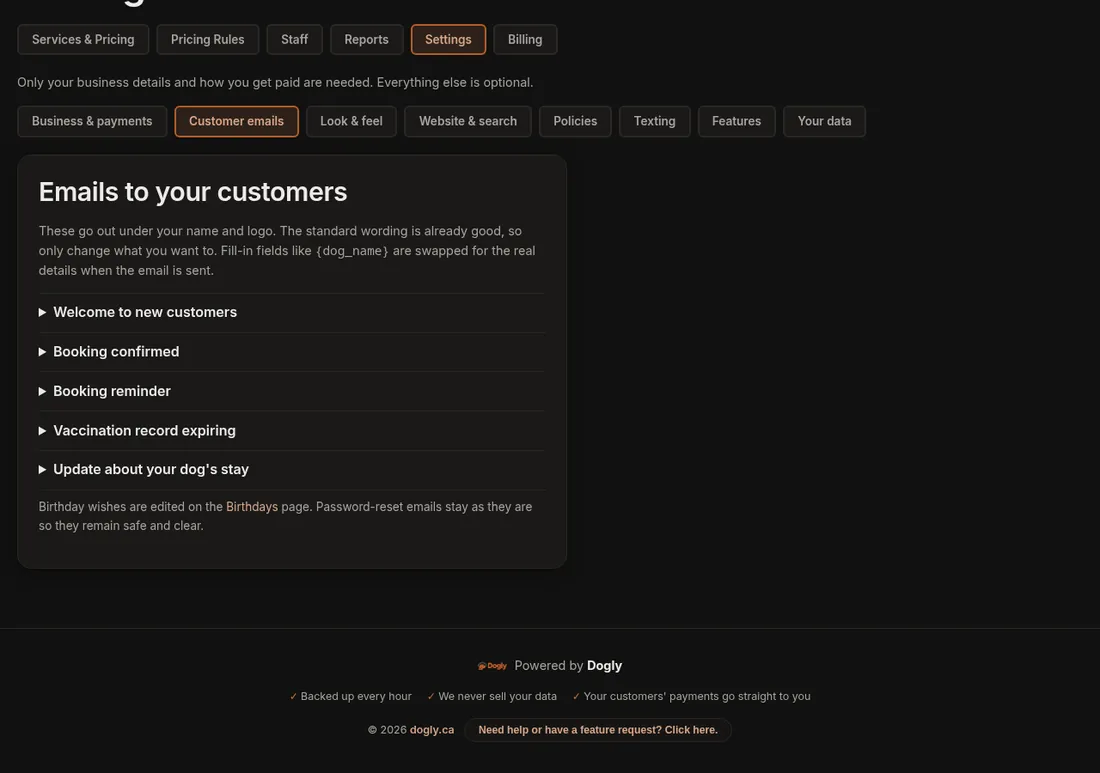
About 14 days before a dog's date, Dogly emails the owner to ask for an updated record. It sends one reminder for each expiry date, so people are not nagged, and the email wording is yours to edit. If you connect your own Twilio account and switch on vaccination texts, the owner also gets a text. The reminders run once a day. Note that they are tied to the date you store, so they are only as good as the date entered.
- One email about 14 days before expiry
- Optional text through your own Twilio account
- Wording you can edit
- One reminder per expiry date
Fitting it into your check-in routine
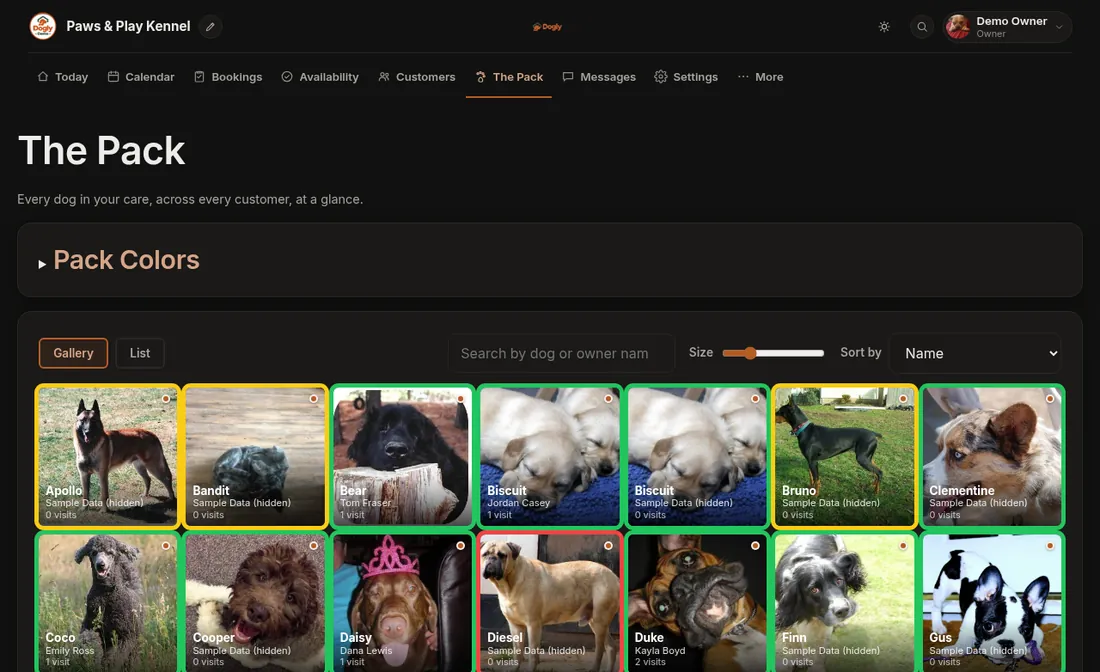
A workable routine is simple. Ask for the certificate when the customer creates the dog, check the date, and let the booking rule do the rest. When a dog arrives, the dog's card shows the date on screen, and a red, yellow or green flag can mark dogs that need a second look. You can print a pet card or a run card with the dog's details for the kennel door. There is no separate check-in screen, so decide who looks at the record on arrival.
- Ask owners to upload the certificate under My Dogs
- Let the booking rule enforce the date
- Print pet cards and run cards
- Search by dog or customer to correct a date quickly
Pairing vaccinations with your waiver
Vaccination checks answer whether the dog is covered. The waiver answers whether the owner has agreed to your terms. In Dogly both are checked before a booking goes through. The waiver is signed once per customer and again only if you issue a new version, with the date and IP address kept on file.
What it does not do
Dogly does not verify a certificate with the vet, read the uploaded document, or track individual vaccines. It does not remind the kennel about upcoming expiries across all dogs in one list, but you can search your dogs and open any profile. It holds the record you give it, and it is your call whether the paper is genuine.