
Every dog has a profile with their notes, photo and vaccination status. The Pack is where you find them all.
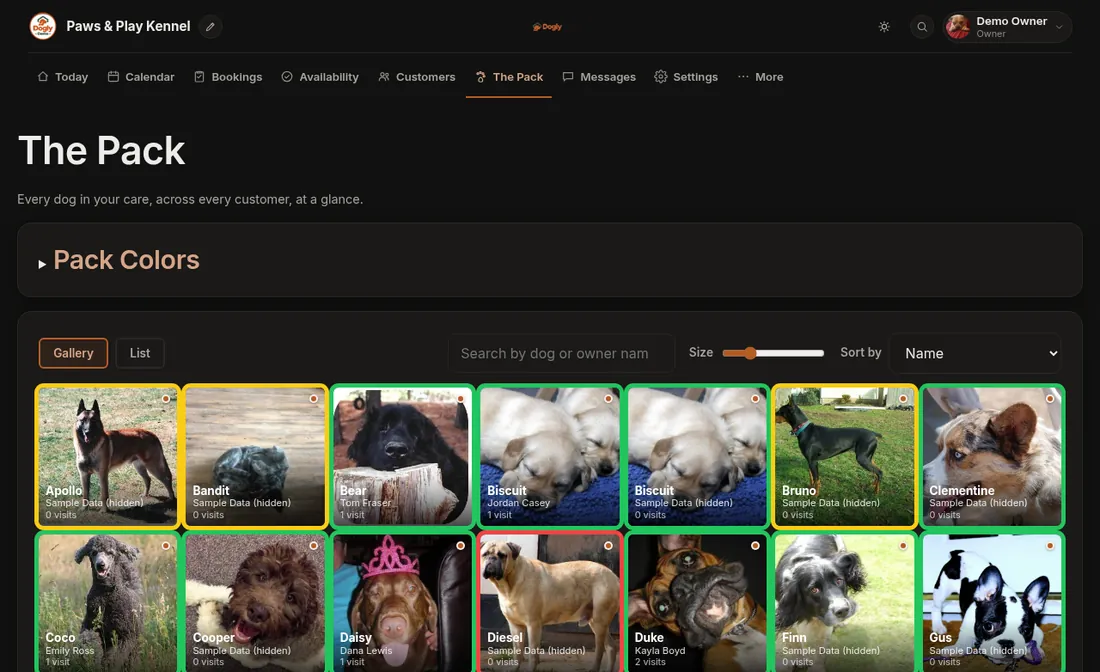
- Click The Pack. You can sort the list and search.
- Click the dog's picture (Gallery view) or press View Details (List view). A window opens with everything about them.
- Change anything you need and save.
Inside the dog's window you can
- Add a tag, a short label such as "needs a quiet run". Type it and press Add. Remove one with the ×.
- Pick a colour flag by clicking one of the coloured circles. The colour shows on your dashboard. You can rename what each colour means, see Set what each colour flag means.
- Write a staff note that only staff can see. You can delete a note later.
- Change the photo.
- Check the vaccination badge. It says if the record is missing, expired or expiring soon.