
Colour flags are a quick way to mark dogs at a glance. They only help if everyone agrees what each colour means, so name them once and your whole team sees the same thing.
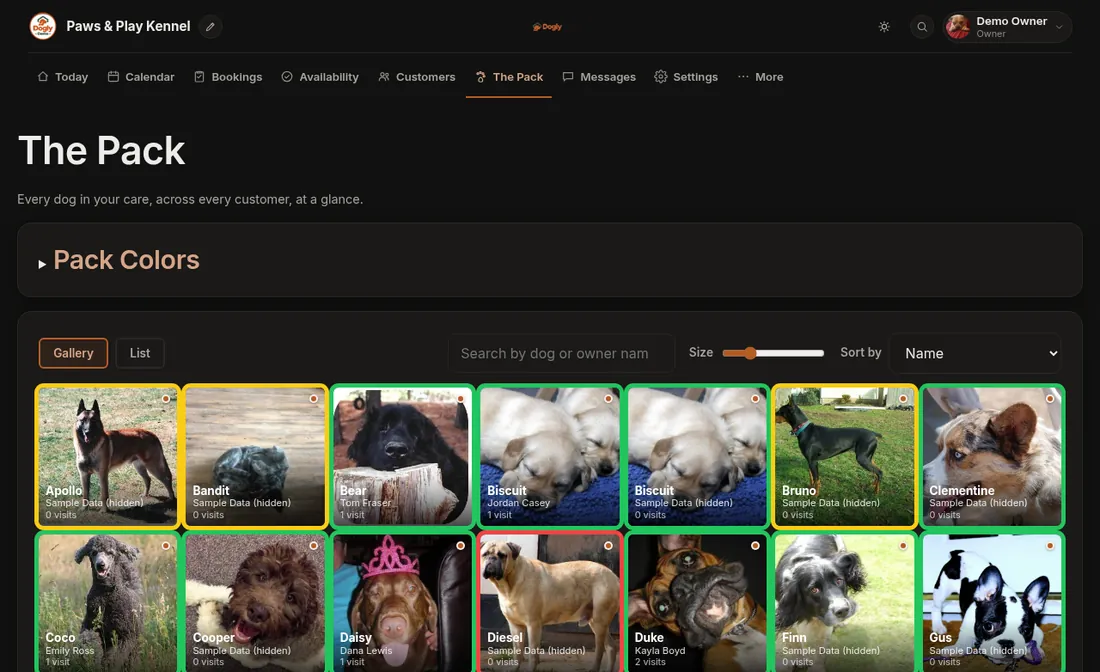
- Click The Pack. Only the owner sees Pack Colors, so staff will not find it.
- Open Pack Colors at the top of the page.
- Rename each colour to what it means for you, for example "Needs separate play" or "Nervous, go slow".
- Save. The new names show wherever the colours appear.
Good to know
- You pick a flag for an individual dog in their profile. See Look at or change a dog's profile.
- Flags show on your dashboard, so staff see them on arrival day.