
The Today tab is the page to open first thing. It shows who is arriving, who is going home and who has a grooming appointment, so you know what the day looks like before the phone rings.
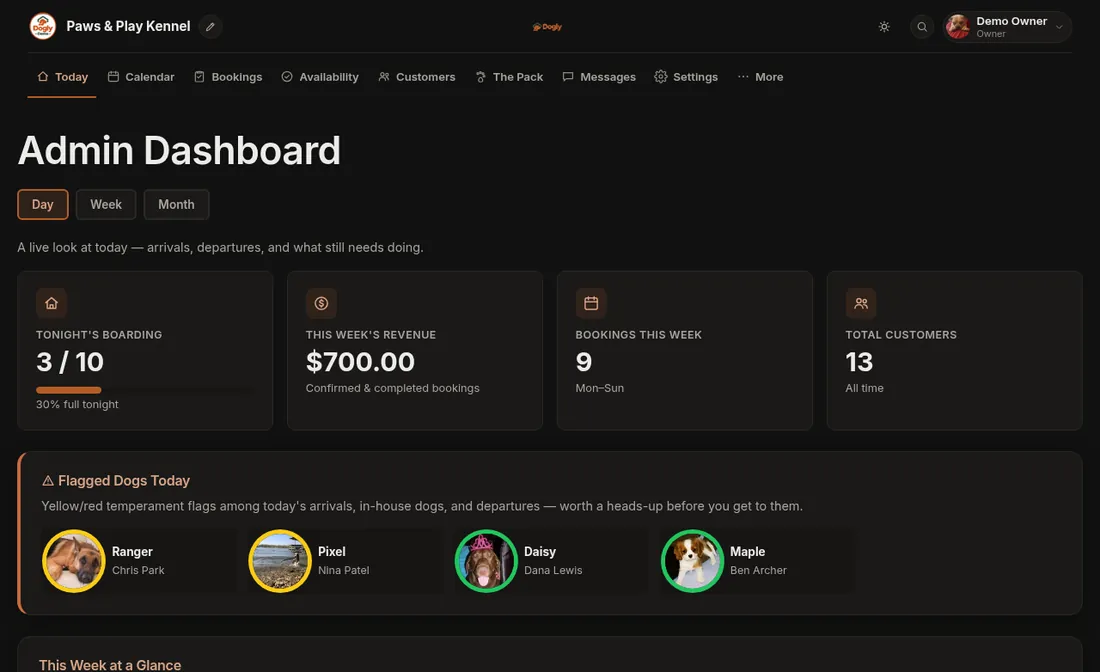
- Click Today (the first tab).
- Look at the boxes: Arriving, Checking Out and Grooming. Each one lists today's dogs.
- Scroll to This Week at a Glance to see the days ahead.
- For the full list, press View All Bookings.
Good to know
- "Today" follows the time zone you chose in Settings, so if the date looks wrong, check it there. See Set your time zone, currency and sales tax.
- Colour flags you set on a dog show up here, so staff can spot a nervous dog before they arrive.
- Want paper? The Today page has a Print PDF button. See Print the schedule, a pet card or a run card.