
Most customers sign up on your website. This is for the ones who would rather call or pop in. You can add the person and their first dog on the same page.
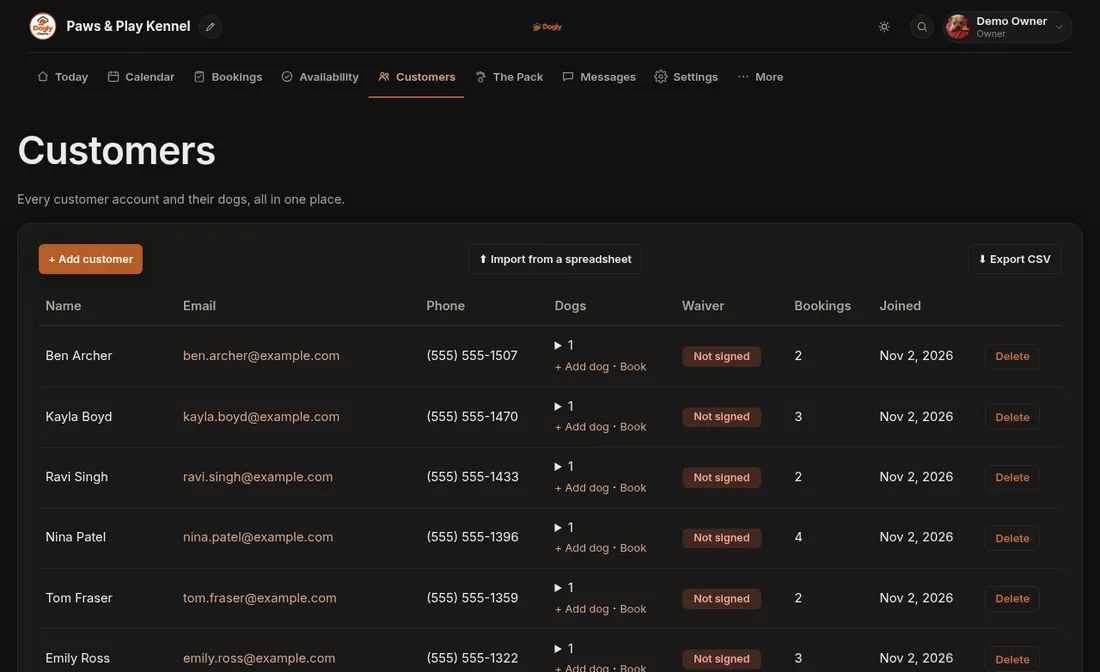
- Click Customers.
- Press + Add customer.
- Type their name. It is the only required box. Phone, email and address are optional, and you can add a private note that only you and your staff can see.
- Fill in their dog's details in the Dog 1 section on the same page. A dog without a name is skipped.
- Press Save customer.
Good to know
- Once they are on your list you can book them in straight away. See Make a booking for someone who phoned or walked in.
- Adding an email address is worth the effort if you have it, as confirmations and reminders go there.
- Got a second dog? See Add a dog to a customer.