
Some days a printed list is handier than a screen. Here is where each printout lives.
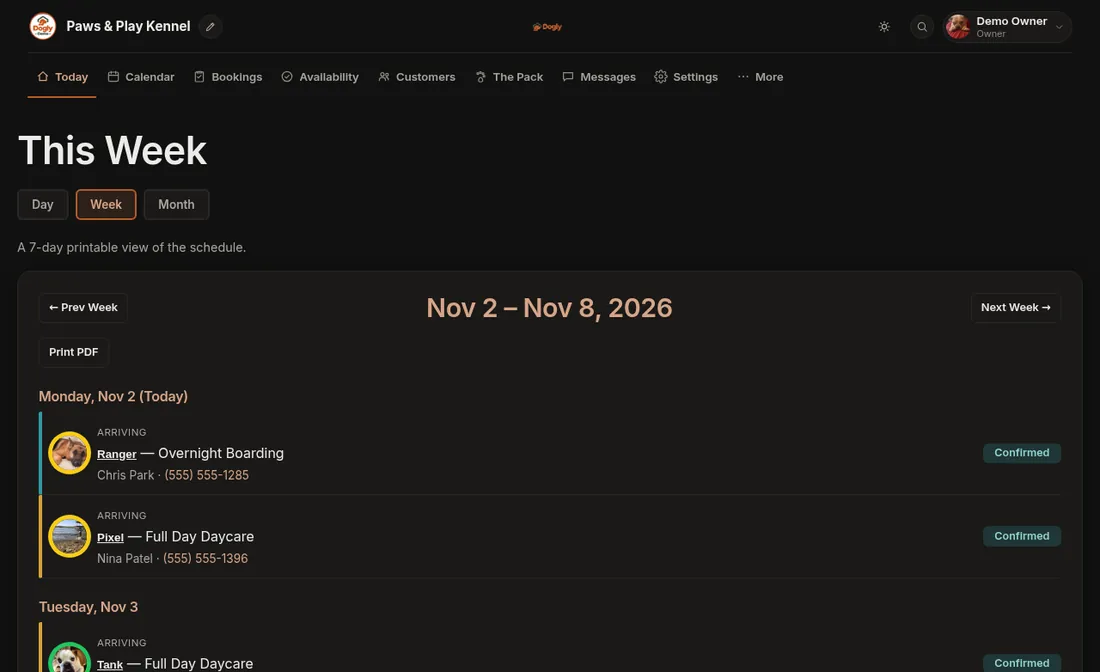
- The day or the week: open the Day view (Today) or the Week view and press Print PDF. The Month calendar has no print button.
- A pet card: open the dog in The Pack and choose the pet card (PDF).
- A run card (for the kennel door): on Bookings, use the run card link on a booking.
If it does not work
- No run card link. Make sure Printable Run Cards is turned on in Settings → Features.
- No print button on the calendar. Switch to the Day or Week view.
The PDF opens or downloads on your computer, and you print it like any other file.