Dogly / Gingr alternative
Looking for a Gingr alternative?
Kennels look for a different system for plenty of reasons: price, a feature that is missing, or simply wanting something simpler. This page explains how Dogly is set up, what to check before you commit to any switch, and what the move involves. Our home page has a side-by-side comparison checked on November 3, 2026; always confirm against Gingr's current pricing before you decide.
Start your free trialSee a live demo
$75 CAD a month, everything included. 30-day free trial, no card required.
How Dogly is put together
Dogly is a single plan at $75 CAD a month, or $750 CAD a year. Every module is included and nothing is sold separately. There is no setup fee, no contract, and no charge per location, per staff member or per dog. Card payments go straight into your own Stripe or Square account, and Dogly takes no commission on bookings. Stripe or Square charge their usual processing fees, and that is between you and them.
- One plan, every module included
- Your own Stripe or Square account, no Dogly commission
- Your own domain, branding, pages and blog
- 30-day free trial, no card required
Questions to ask any kennel software, including ours
Before you move, write down what your business cannot work without. Then check each item against the software you are considering, using their own current documentation or by asking them. A few questions that matter to kennels in particular follow. For Dogly, our answers appear throughout this site, and where we cannot do something we say so.
- Can customers book and pay online, and where does the money go?
- How are boarding, daycare and grooming priced and counted?
- Can you set holiday prices, deposits and packages?
- How are vaccination records enforced?
- Does it support recurring bookings? (Dogly does, as an optional feature)
- What does it cost at your size, with every add-on you would need?
How Gingr's published terms compare
These points come from Gingr's own pricing page, FAQ and terms of service, read on November 3, 2026. They can change, so check Gingr's pages yourself before you decide.
- Price: Spa, Play and Stay plans run about $100 to $209 USD a month, or roughly $140 to $293 CAD. Boarding needs the Stay plan, which costs $30 a month more without Gingr's own payments.
- Texting: two-way texting and the messaging bundle are add-ons with no published monthly price.
- Free trial: Gingr offers a demo, not a free trial. Dogly has a 30-day free trial with no card.
- Importing your data: Gingr charges $350 if its team does the import. A free template is available if you do it yourself. Importing your customers into Dogly is free.
- Payments: Gingr Payments runs on Stripe. Using another processor is possible, but you lose online payments and stored cards. With Dogly, card payments go straight into your own Stripe or Square account.
- Contract: plans renew automatically for the same term. Cancelling needs 60 days' written notice, and fees are not refunded. Dogly has no contract and cancels from your billing page.
- Billing: Gingr bills in US dollars. Dogly bills $75 CAD a month with no tax added.
Check the price yourself
Published prices change, and they often depend on the number of locations, users, modules or booking volume. We keep a side-by-side table on our home page, with the date it was checked and each figure taken from the other company's pricing page. Please treat it as a starting point. Before you decide, open their current pricing page, ask for a quote in writing if the price is not listed, and add up the total for your own kennel for a year.
- Check their current pricing yourself
- Ask which features cost extra
- Ask whether payment processing is tied to their own processor
- Compare a full year, not just the first month
What to line up before switching
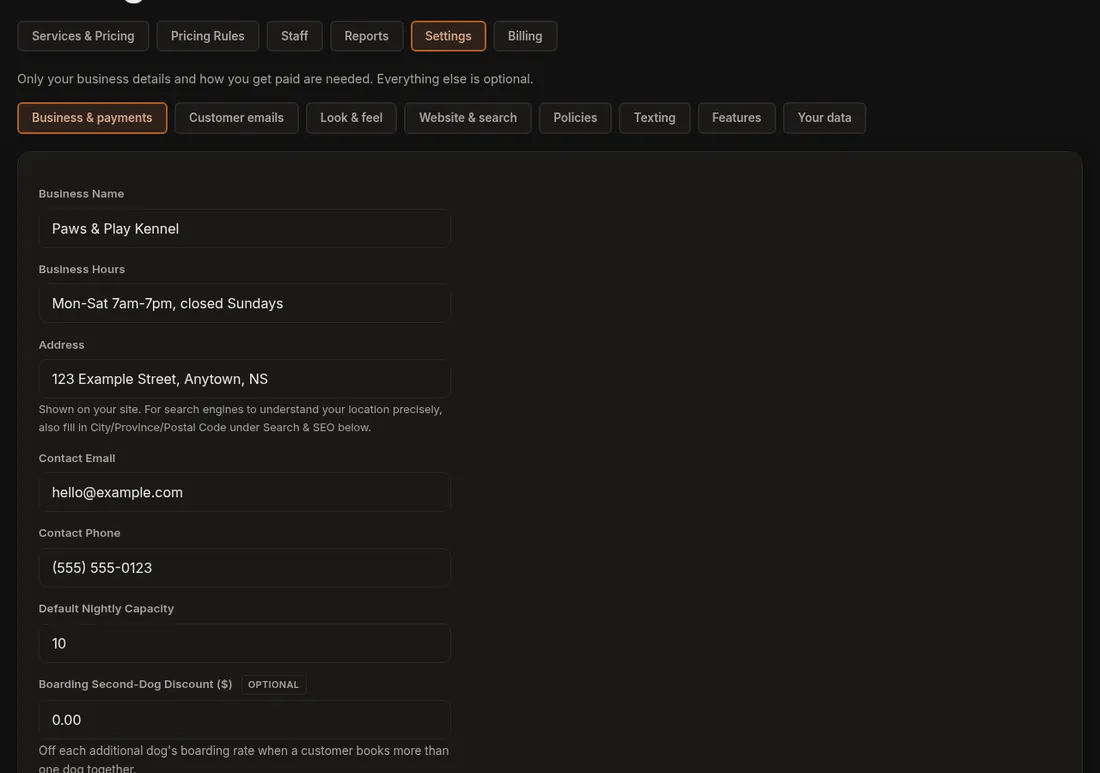
A switch goes more smoothly with a short list in hand: your services and prices, your capacity and closed days, your waiver wording, your vaccination rules, and any packages, deposits or holiday rates. In Dogly all of that is set in the dashboard and none of it takes code. Set it up during the trial and run a few test bookings, for example with in-person payment, before you tell a single customer.
- Services and prices, by type
- Capacity per night and per day, and closed dates
- Waiver text and vaccination rules
- Cancellation window and late fee
- Tax name, rate and registration number
How the import works
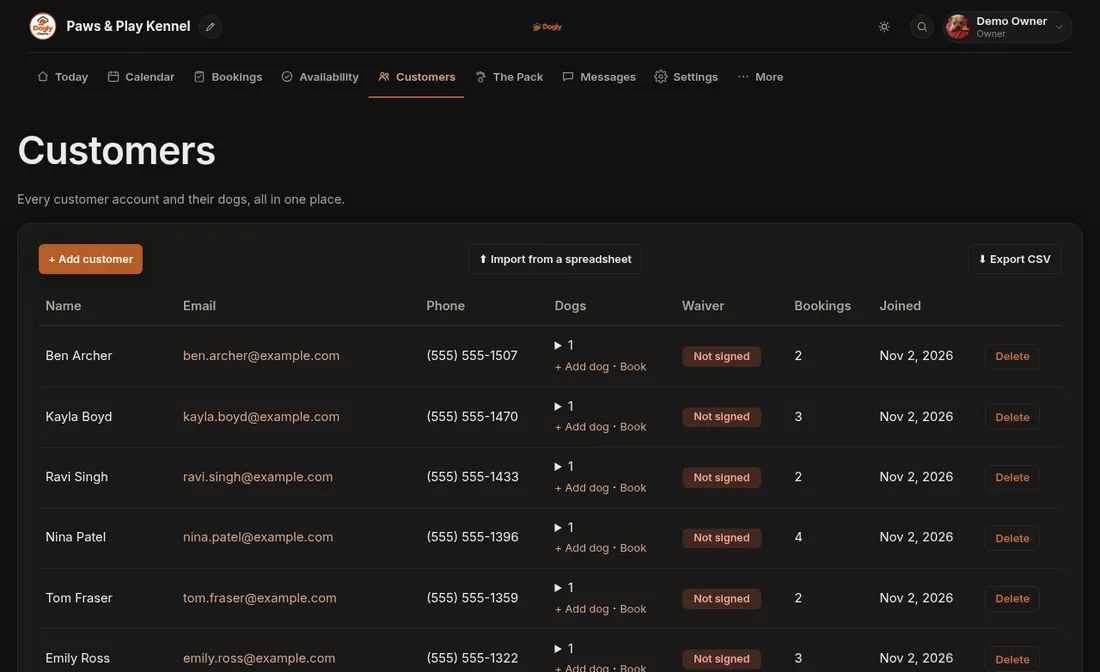
Export your customers and dogs from your current software to a spreadsheet, with one row per dog, and upload it as an Excel (.xlsx) or CSV file. Only the first sheet is read. Upload it in your settings. Columns such as Owner, E-mail, Cell, Pet Name, Breed and Rabies Expiry are recognised in any order. You see a preview before anything is saved, and importing the same file twice does not create duplicates. The limit is 5,000 rows and 2 MB, and only the owner can run it.
What does not come across
The import brings customers and dogs only. It does not bring booking history, payments, signed waivers or photos. Imported customers have no password, so each one claims their account by signing up with the same email. Keep your export as your record of past stays, and plan to ask customers to sign your waiver again. If you have upcoming bookings in the old system, the simplest approach is to enter them by hand in Dogly (staff can add a booking from the dashboard) before you retire the old one.
- Customers and dogs: yes
- Booking history: no
- Payments and saved cards: no (customers can save a card again on Stripe kennels)
- Waivers and photos: no
Cost of changing your mind
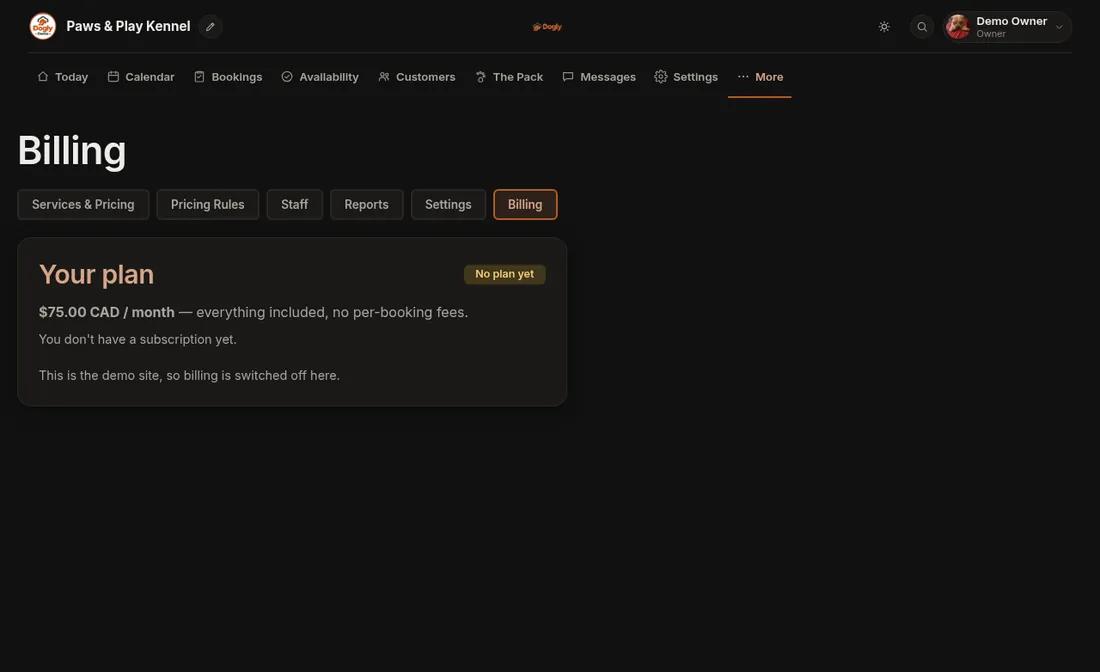
You can cancel Dogly any time from your billing page. Cancelling takes effect at the end of the period you have paid for, and the current period is not refunded. The owner can download all data as a zip at any time, including customers, dogs, bookings, photos and vaccination files, so you are not locked in.