Dogly / Doggy daycare
Doggy daycare software for a busy front desk
Daycare is high volume and mostly regulars. This is how Dogly handles day bookings, full and half days, packages and the morning rush, and where it is still limited.
Start your free trialSee a live demo
$75 CAD a month, everything included. 30-day free trial, no card required.
Priced and booked by the day
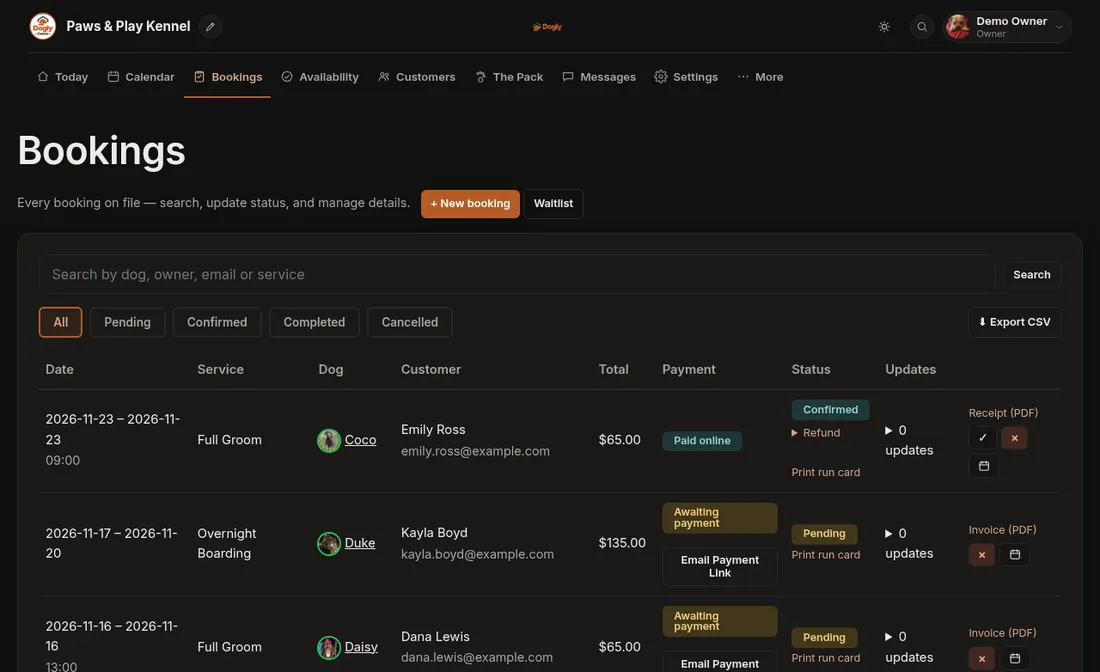
In Dogly, daycare is priced per day, and full day and half day are separate services, each with its own price. A customer picks the service, the date and the dog, and sees the price before paying. Staff can enter a phone or walk-in booking from the dashboard. If a day is full, the customer can join a waitlist and is emailed when space opens. The waitlist does not hold a spot, so it is first to book, first served.
- Full day and half day as separate services
- Per-day price, with a second-dog discount if you want one
- Phone and walk-in bookings entered by staff
- Waitlist for full days, email only
Regulars and repeat visits
Most daycare revenue comes from the same dogs week after week. A customer can open a past stay and start a new booking from it, which opens the form already filled in with the same service and dog; they still choose the new date and confirm. Once you switch on Recurring Bookings, a booking can repeat weekly, every 2 weeks or monthly for up to 12 visits. A repeat follows one weekday, so a Monday-Wednesday-Friday dog needs one repeat per day, or a package. Packages are a practical answer for many daycares.
- Start a new booking from a past stay
- Weekly, 2-weekly or monthly repeats (optional)
- Customer account keeps dogs and history in one place
Packages and punch cards
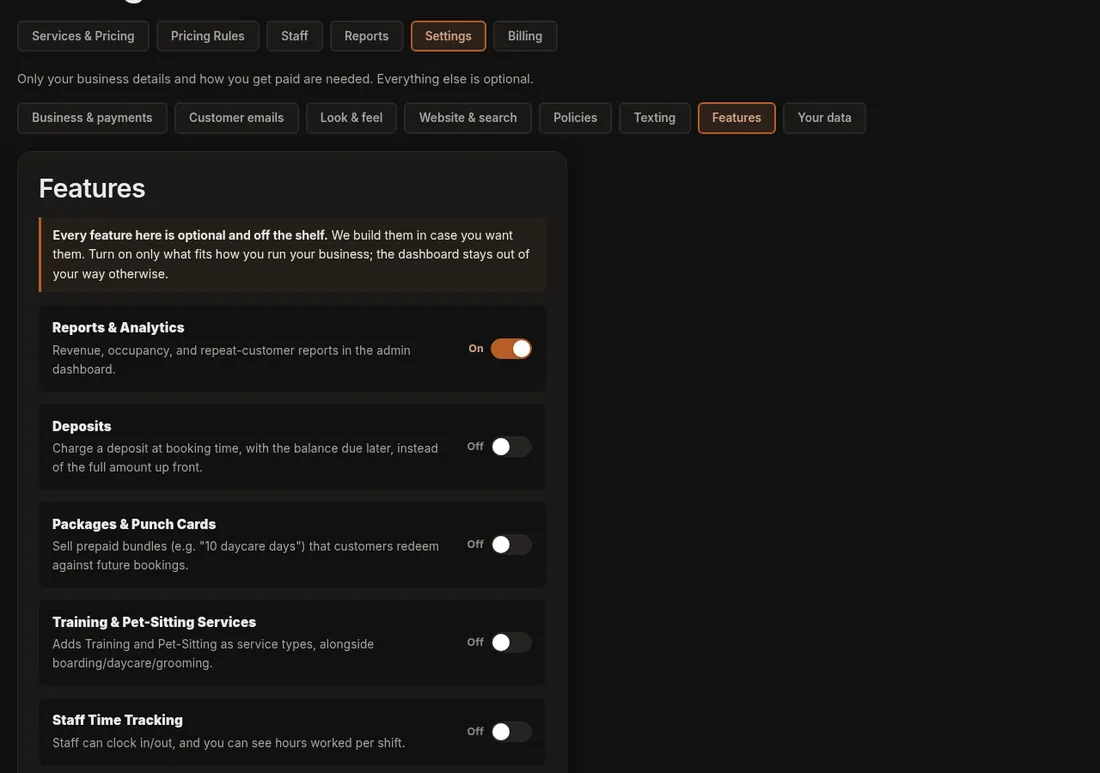
Turn on packages and create something like a 10-day pass. You set the number of credits, the price and which service it applies to (daycare, boarding, grooming or any). The customer buys it by card through your Stripe or Square checkout and spends credits when they book. Packages are off by default, so you only see them once you switch them on. Dogly does not put an expiry date on credits, so decide your own policy and say it on your site.
- Set credits, price and which service the package covers
- Bought by card at checkout
- Credits used up at booking
- No expiry date on credits in the system
Who is in today
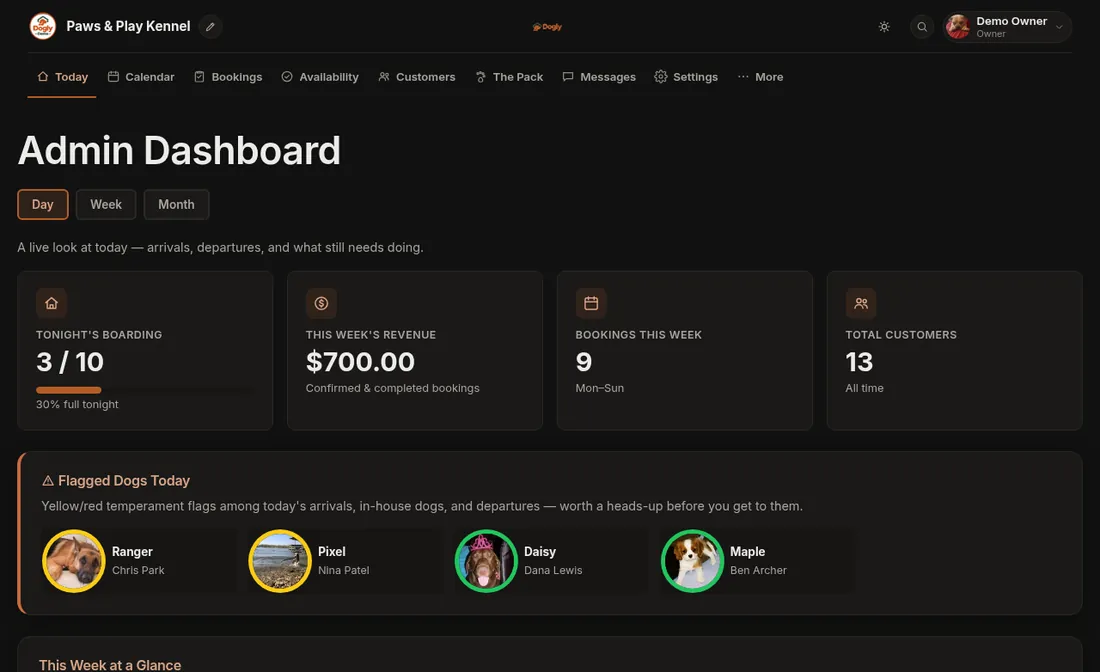
The today view lists dogs arriving, in-house and leaving, with flags on dogs that need a heads-up. Temperament is a red, yellow or green colour plus free text, so a handler can see at a glance which dog should not share a play group. Staff tick a daily care checklist per stay and can post a photo update to the owner. You can print day and week schedules for the whiteboard. There is no tap-to-check-in button; a stay is marked completed when it finishes.
- Arriving, in-house and leaving lists
- Red, yellow and green temperament flags
- Printable day and week schedules
- Photo updates emailed to owners
Vaccinations and the waiver at scale
With many dogs coming through, paperwork gets missed. Each dog carries a vaccination expiry date, and by default a booking is refused if it is missing or expired. About 14 days before it runs out, the owner gets one reminder email, and a text if you use Twilio. The waiver is signed once per customer on their account. If you change the wording, you can require everyone to sign the new version before their next booking.
- Booking blocked on expired or missing dates, which you can turn off
- One reminder email about 14 days before expiry
- Waiver stored with date and IP address
Capacity and sharing with boarding
If you run both, note that boarding and daycare share one capacity number by default. That suits a small operation but can surprise a kennel with a separate daycare room. In that case switch on capacity pools and give daycare its own. Capacity can be changed or closed for any single date.
Reminders and reports
Customers get a reminder email once, one or two days before a confirmed booking. Daycare owners also use reports to see which days are busiest and how many customers come back, along with revenue by month and by service for the last six months.
- Booking reminder by email, optional text through your own Twilio
- Occupancy and busiest days
- Repeat customer rate
- Revenue by month and service