
This is the card you use to pay for your own Dogly subscription, not your customers' payments. Billing is handled by Stripe's secure pages, so Dogly never sees your card number.
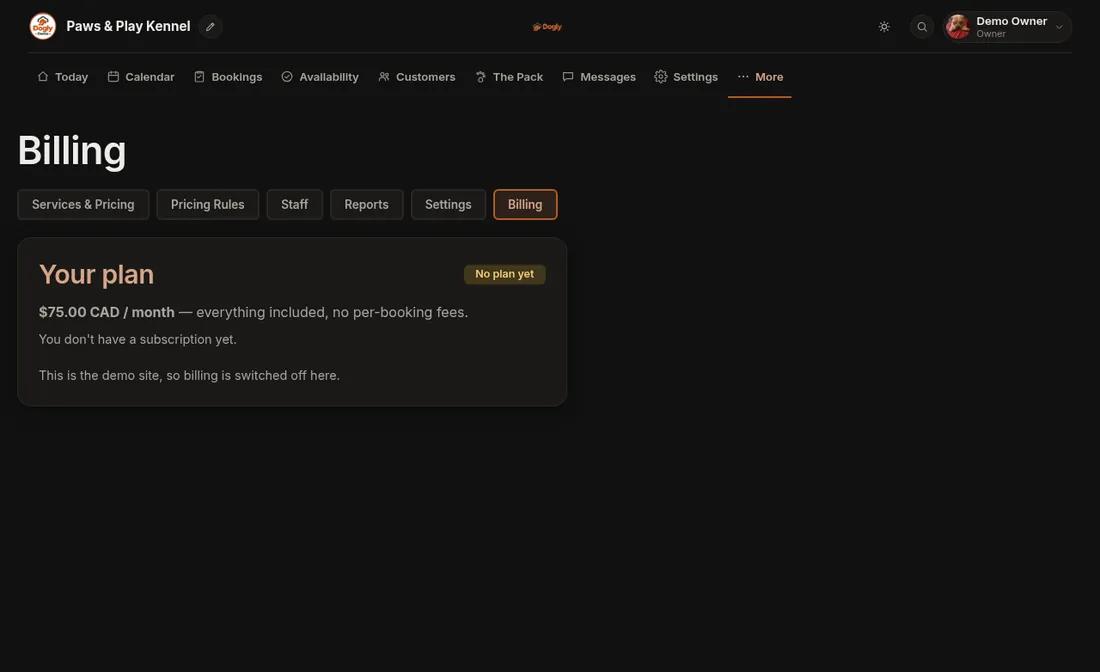
- Click Business → Billing.
- To start paying, press the button to add a payment method. You go to Stripe's secure page.
- To change your card, see invoices or cancel, open the billing portal button.
Related: Billing.