
If you no longer want your own web address on your Dogly site, or you have bought a different one, you can change it at any time. Your site is never offline while you do.
Go back to the free address
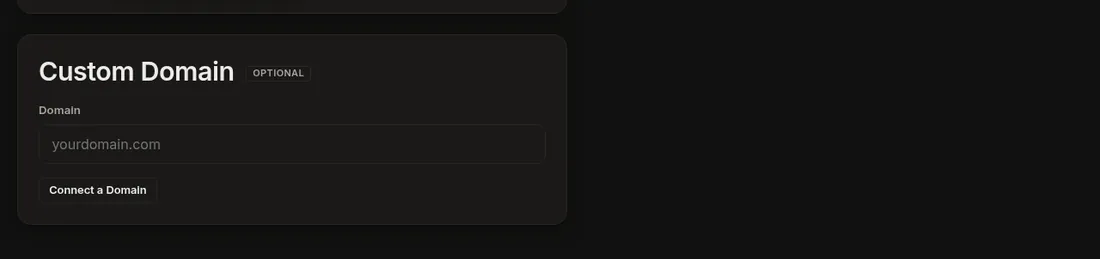
- Click Business → Settings and find Custom Domain.
- Press Disconnect this domain and confirm.
- Your site keeps working at yourkennel.dogly.ca. Within about 15 minutes the server removes the old domain's setup.
- At your registrar (the company where you bought the domain), delete the DNS records you added for Dogly: the TXT, the A and the www records.
Sending email from your own domain also switches off when you disconnect.
Switch to a different domain
Type the new domain in the same box and press Update Domain, then add the new records. You do not need to disconnect first.
Related: Connect your own domain, DNS help.