
Customers get emails with standard wording. If you would rather they sound like your kennel, you can rewrite every one of them.
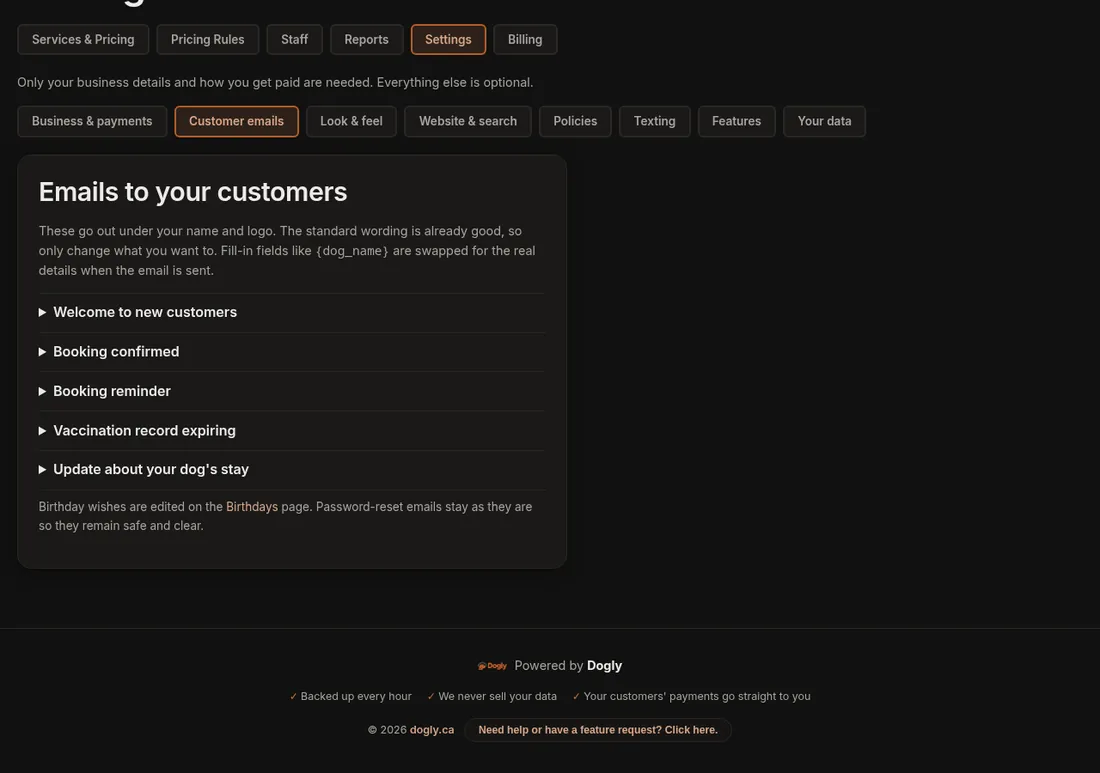
- Click Business → Settings and find Emails to your customers.
- Choose which email to change.
- Edit the Subject and What it says.
- Press Save, or Save & email me a test to see it in your own inbox first.
Good to know
- Reset to standard puts the original wording back, so you can experiment safely.
- Only some emails can be rewritten: welcome, booking confirmed, reminder, vaccination expiring and stay update. The birthday message can be changed too.
Related: Customer emails.