
Want a backup, or need your list in a spreadsheet? Export gives you a file you can open in Excel, Numbers or Google Sheets.
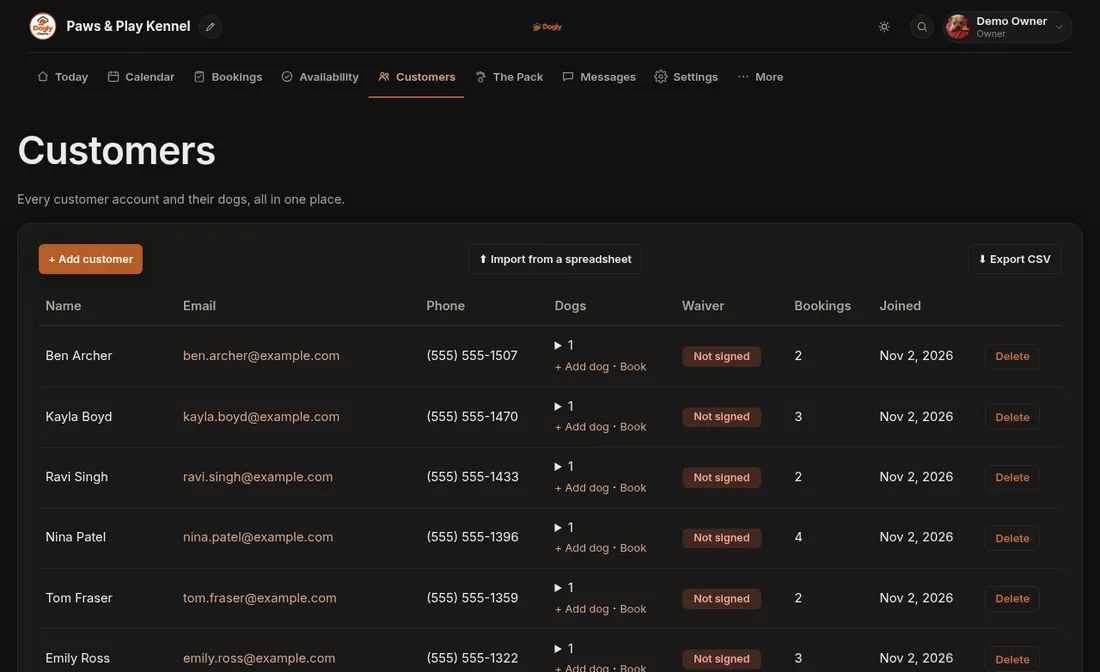
- Click Customers or Bookings.
- Press Export CSV.
- Your computer saves a file. Open it in your spreadsheet program.
Good to know
- The bookings export respects the status filter you have selected, so pick the status first if you only want some bookings.
- Staff only see Export CSV if the owner ticked Download customer and booking lists for them.