
This is the first thing a stranger reads about you in Google. A clear title and friendly description get more clicks.
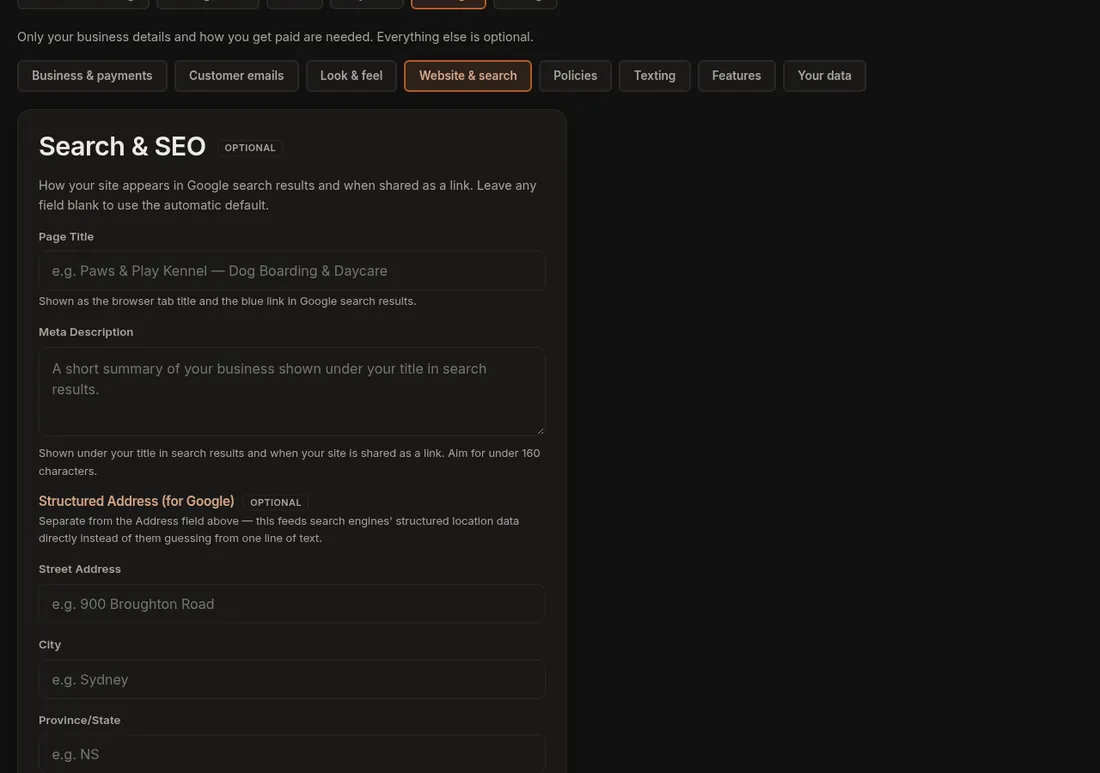
- Click Settings and open the Website & search tab. Find Search & SEO.
- Write a Page Title (for example "Dog Boarding & Daycare in Truro, NS") and a Meta Description of one or two sentences.
- Fill in your full street address under Structured Address (for Google).
- Press Save Search & SEO.
Google can take days or weeks to show the change, so be patient.
To set wording for each of your other pages, click More, Pages, Search appearance.
Related: Being found on Google.