
DNS records are the little settings that point your web address, and your outgoing email, at the right place. If your domain is managed at Cloudflare, Dogly can add them for you, both for your own web address and for sending email from your own address.
- In Cloudflare, open My Profile → API Tokens → Create Token.
- Choose the Edit zone DNS template and limit it to your domain only.
- Copy the token.
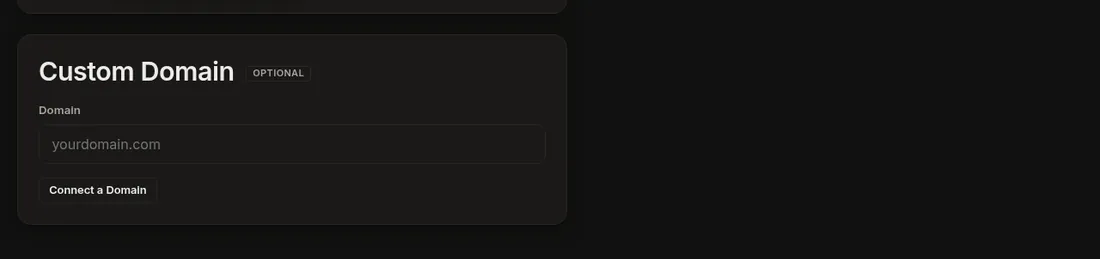
- In Dogly, open Business → Settings → Custom Domain (or the Send emails from your own address panel). Open My domain is on Cloudflare: add these for me, paste the token and press Add the records.
Good to know
- The token is used once and never saved. You can delete it in Cloudflare afterwards.
- Dogly adds what is missing and updates what is already there. It adds Mailjet to your existing SPF record instead of replacing it, and never deletes anything.
- Wait a few minutes and the status updates by itself.
Related: Connect your own domain, Send email from your own address, DNS help.