
Bookings do not complete themselves. Marking a stay finished adds a visit to the dog's profile and keeps your lists tidy, so it is a good habit at the end of each day.
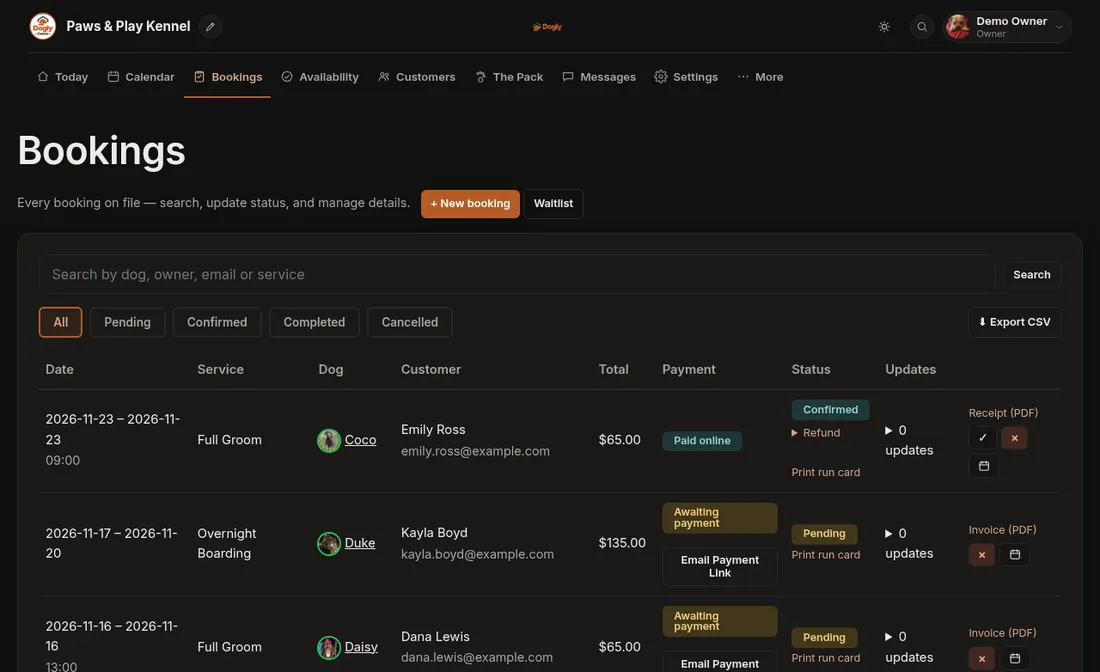
- Click Bookings.
- Find the confirmed booking for the stay that has ended.
- Press the ✓ (complete) button.
Good to know
- Your reports count money that has been paid, so they do not depend on this step.
- If the customer still owes you, record it first. See Record a payment you took in person.