
Dogly cannot see cash, e-Transfers or payments taken at the desk, so you tell it by hand. That keeps your bookings and reports honest.
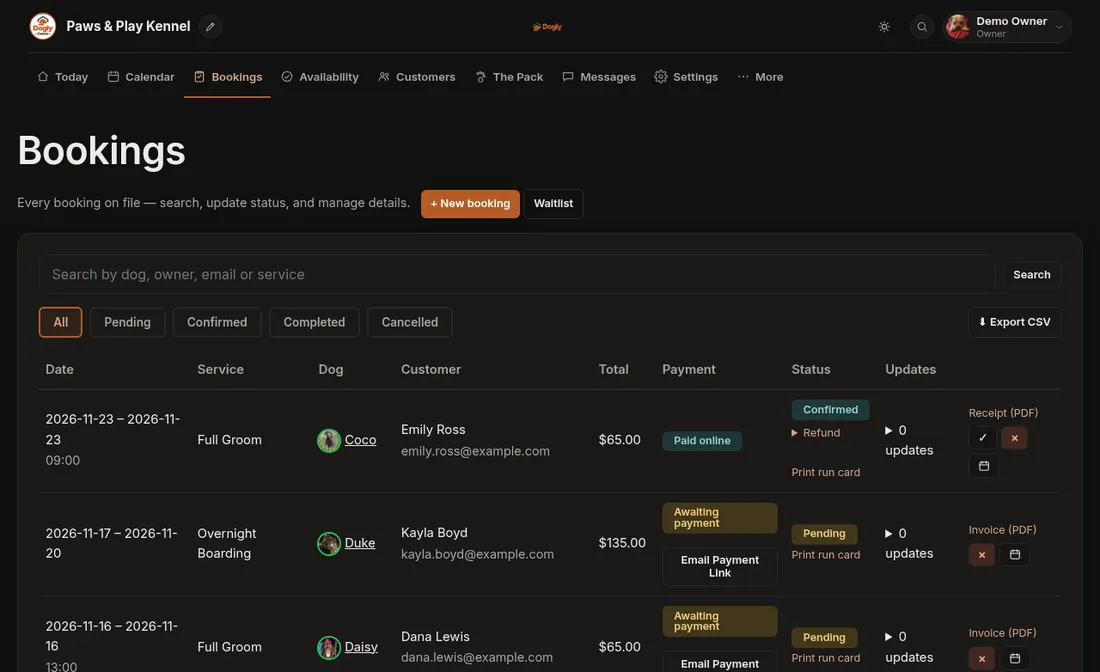
- Click Bookings and find the booking.
- Press Mark Paid.
Good to know
- If you took a deposit and are now collecting the rest, press Mark Balance Paid instead.
- Card payments made online are recorded automatically, so you only need this for money you collected yourself.
- Want the customer to pay by card instead? See Text a customer a link to pay online.