
Sometimes a customer asks you to remove them, or you added someone by mistake. Deleting is permanent, so read this first.
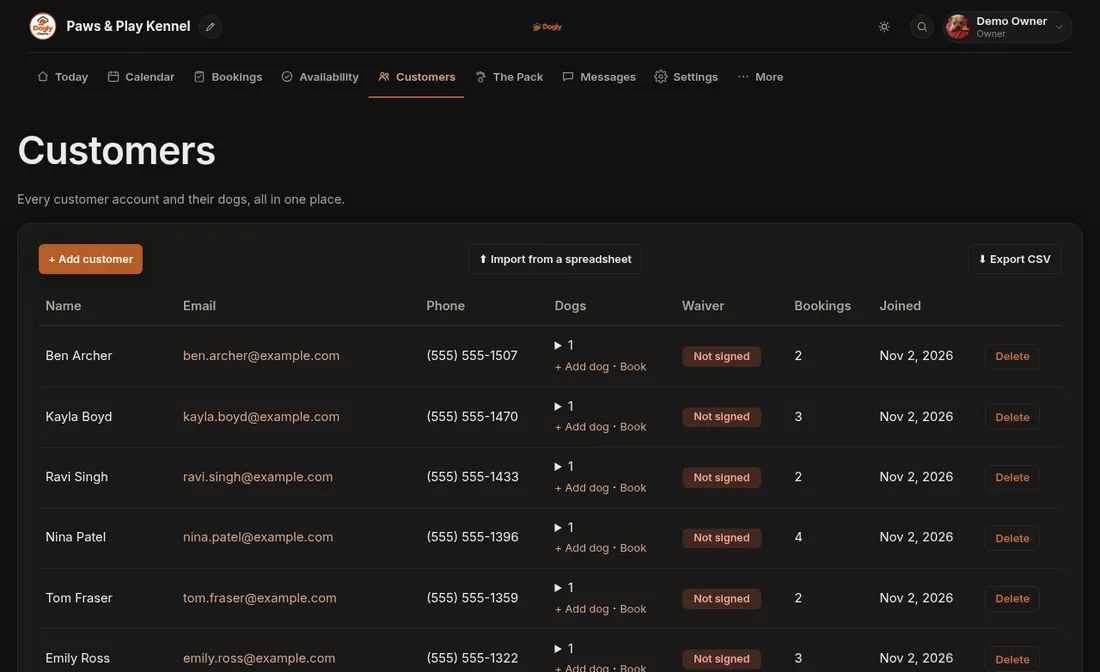
- Click Customers.
- Press Delete on their row and confirm.
This cannot be undone.
What happens to their records
- A customer with no payments is removed completely, with their dogs, bookings, waivers and messages.
- If they have paid bookings, those bookings stay as anonymous records for your books and only the person's details are erased.
If it does not work
- Dogly refuses to delete. The customer still has an upcoming pending or confirmed booking. Cancel or finish those first. See Cancel a booking.
- You cannot see the Delete button. Staff need the Delete customers permission. Ask the owner.